AI Product Image Generator for Ecommerce Listings
- Auto Agent or step by stepAI plans either way. You review and approve.
- Confirm before generatingEdit the selling points and copy first.
- Edit, then export PSDChange text, move layers, repaint a part.
All it needs
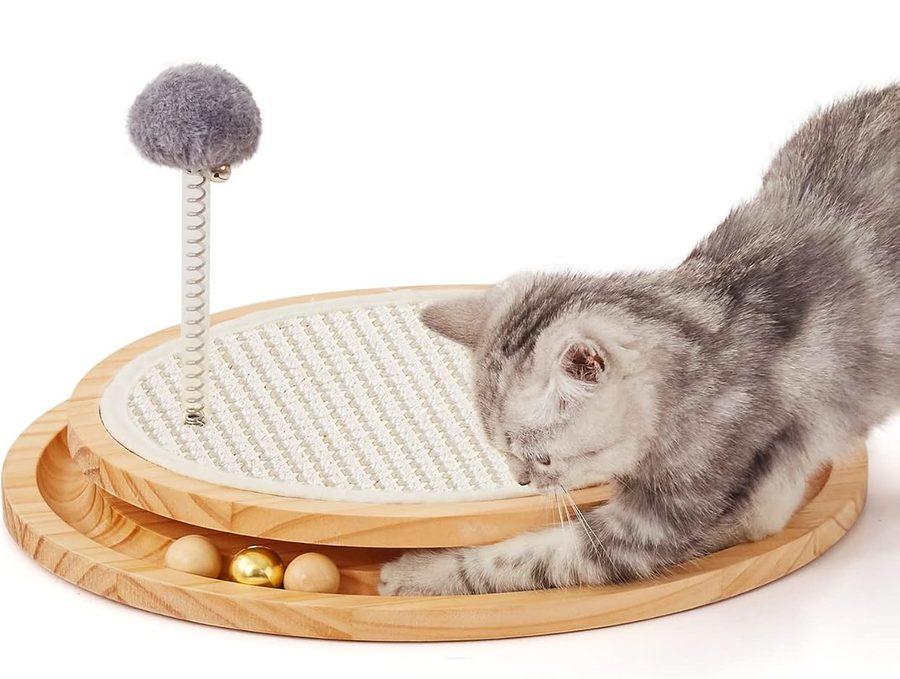
Your full set
 Main image

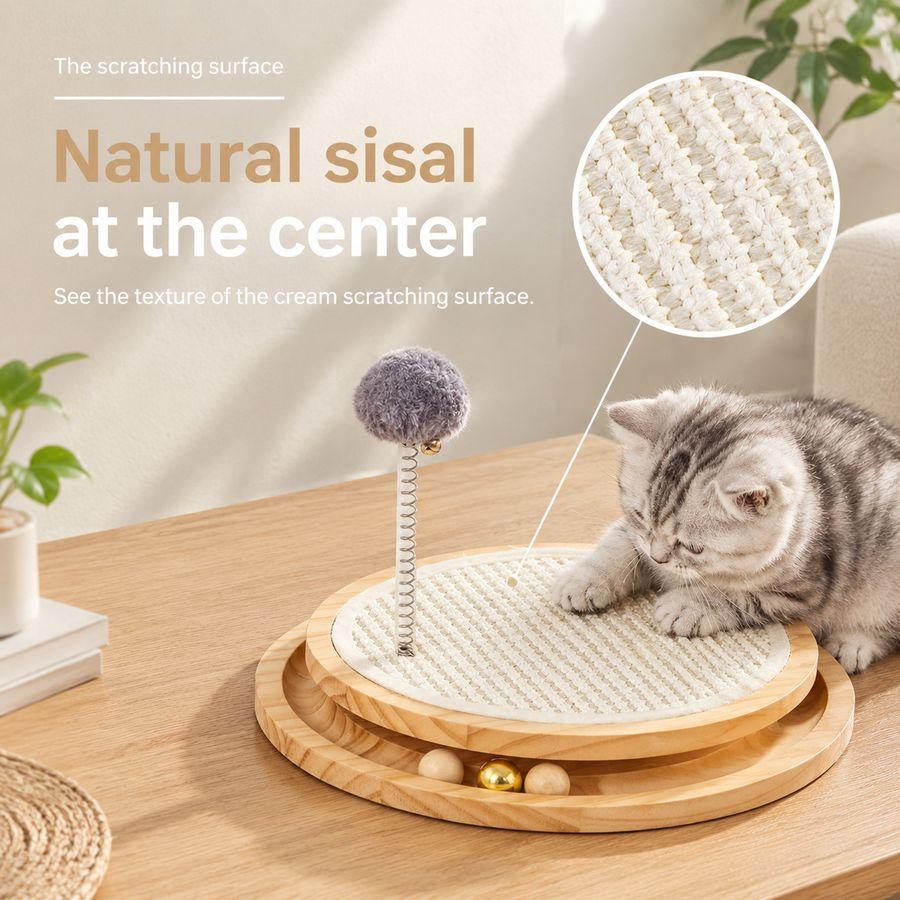
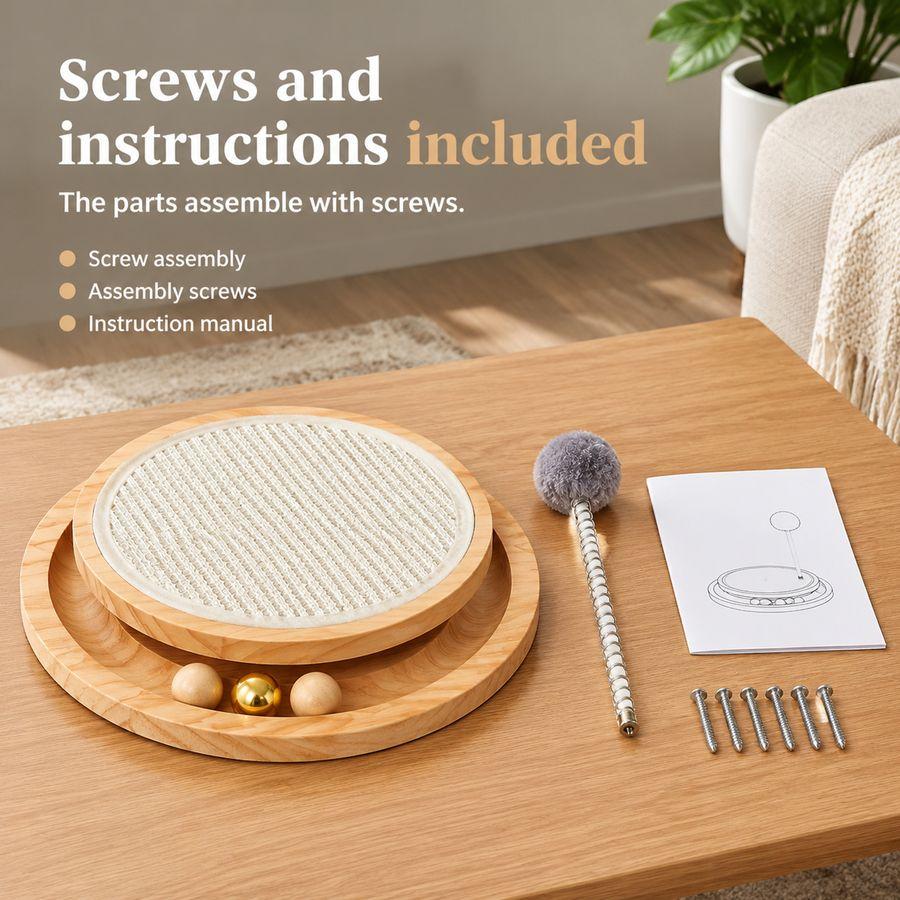

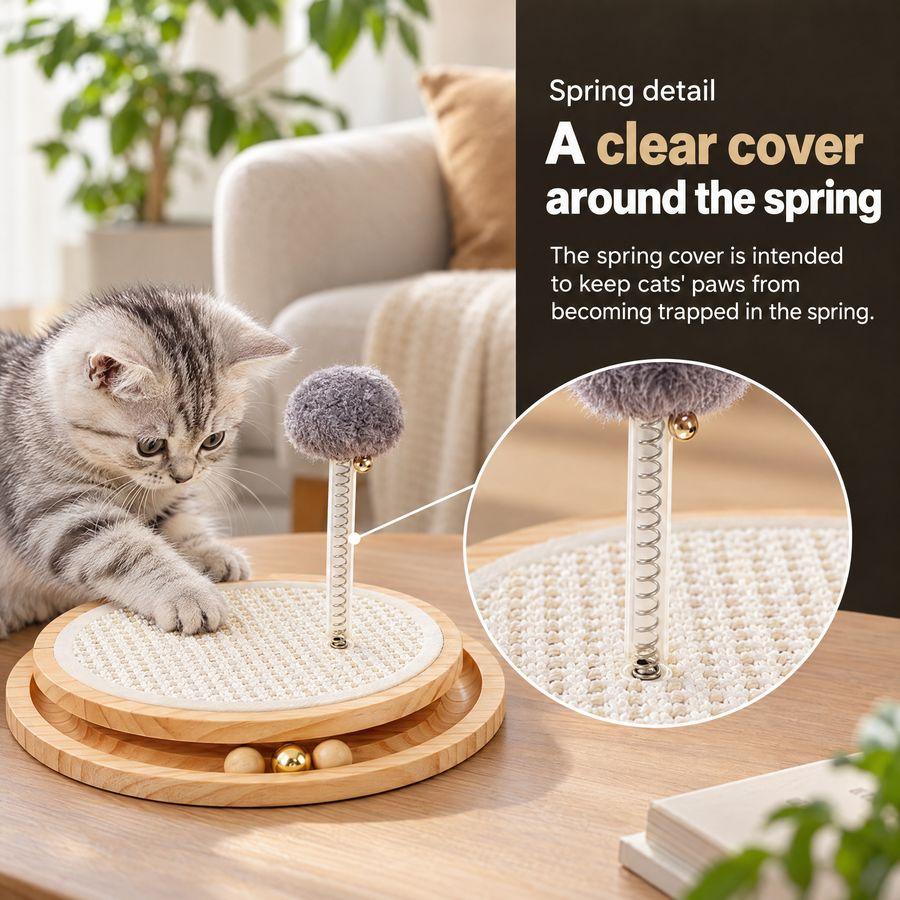
- Selling points confirmed
- Every image generated
- Ready to edit and export
Free white backgrounds and transparent PNGs
Cut your product out of any photo and put it on pure white, or download it with no background at all.
- Standard cutout: 0 credits, every time
- Sign up free to download what you made
- Fine cutout for busy scenes: free on any paid plan
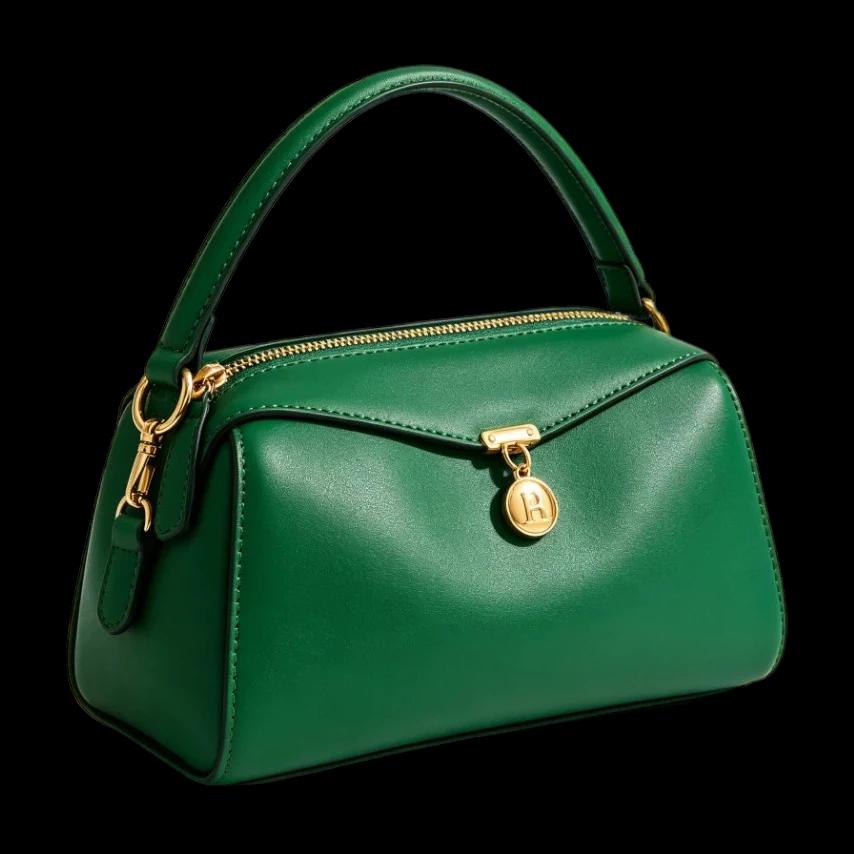
Fine cutout + Remove shadow
AI plans, you approve: all at once or step by step
Either way, AI does the planning: the selling points, the copy and every image. You review it, ask for changes and approve. Both end with a white main image and a full set of listing images.
Auto Agent
For speed. AI plans the whole set at once; you review it once, then everything is made.
- 1Add your product photos and facts
- 2AI plans the selling points, copy and every image
- 3You review the plan and ask for any changes
- 4Approve once, and the whole set generates image by image
Step by step
For control. AI plans stage by stage; nothing moves on until you approve it.
- 1Add your product photos and facts
- 2AI drafts the selling points and copy. You review and ask for changes
- 3AI plans each image. You review and ask for changes
- 4Generate image by image, and redo only the one you want
- 5Fine-tune any detail in the editor
Listing images for Amazon, Walmart, Shopify and more, in your buyer’s language
Pick the platform and country: image sizes and counts follow that store’s own rules, or set your own size. A listing link in one language can become a set in another.
United States · United Kingdom · Ireland · Germany · France · Italy · Spain · Netherlands · Sweden · Poland · Türkiye · Canada · Mexico · Australia · South Africa · Japan · India · Singapore · United Arab Emirates · Saudi Arabia · Egypt
Listing images, square (px)
A+ images (px)
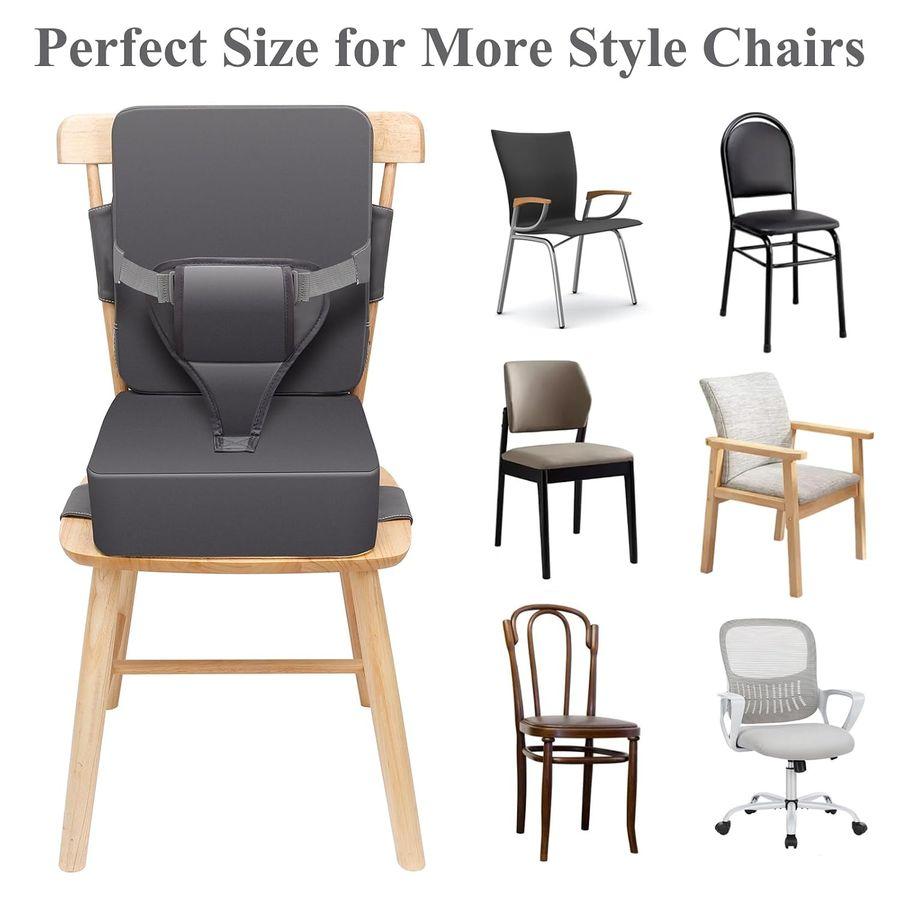
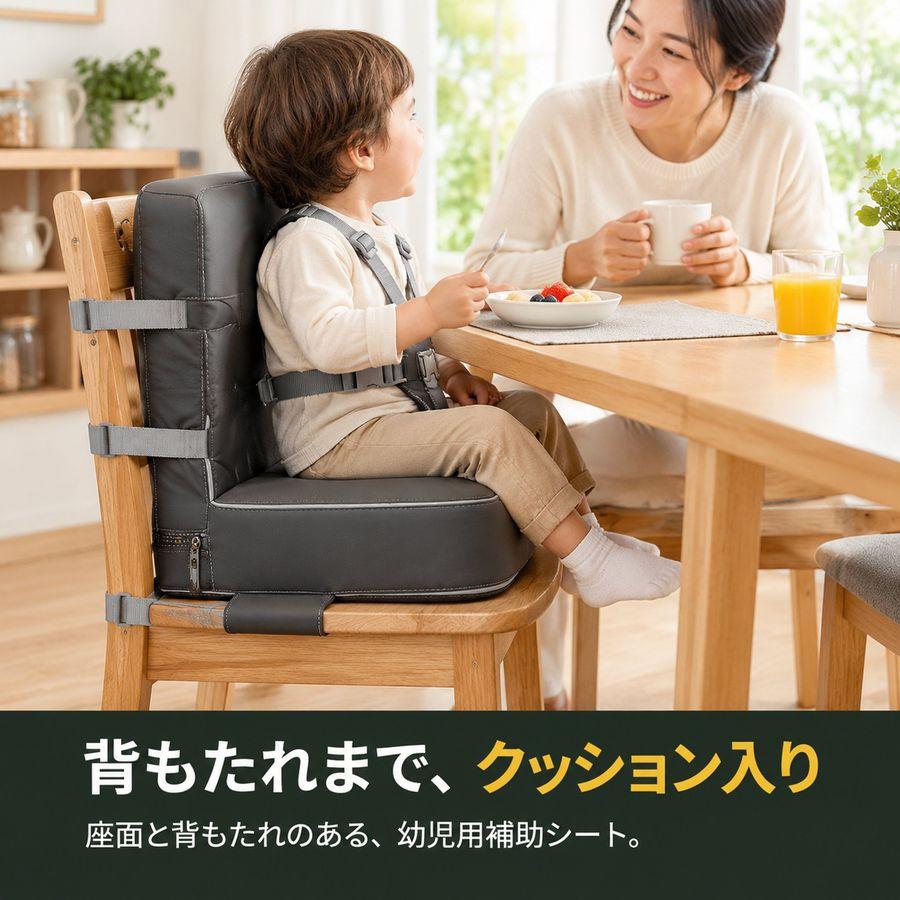
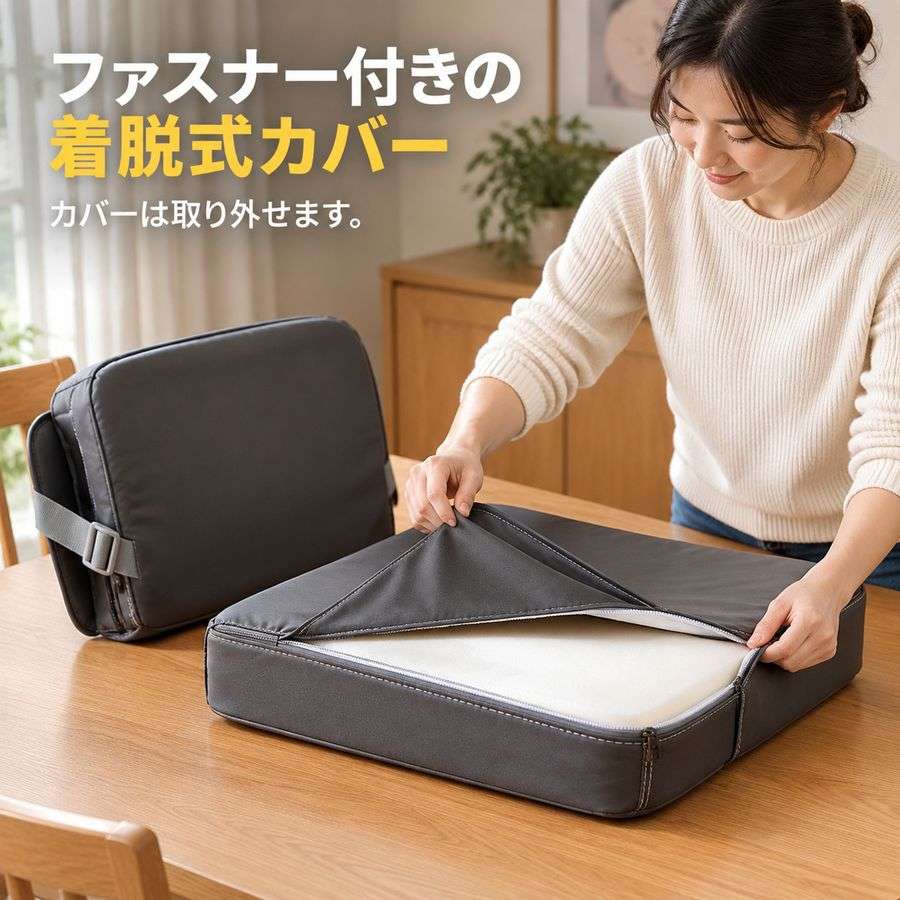
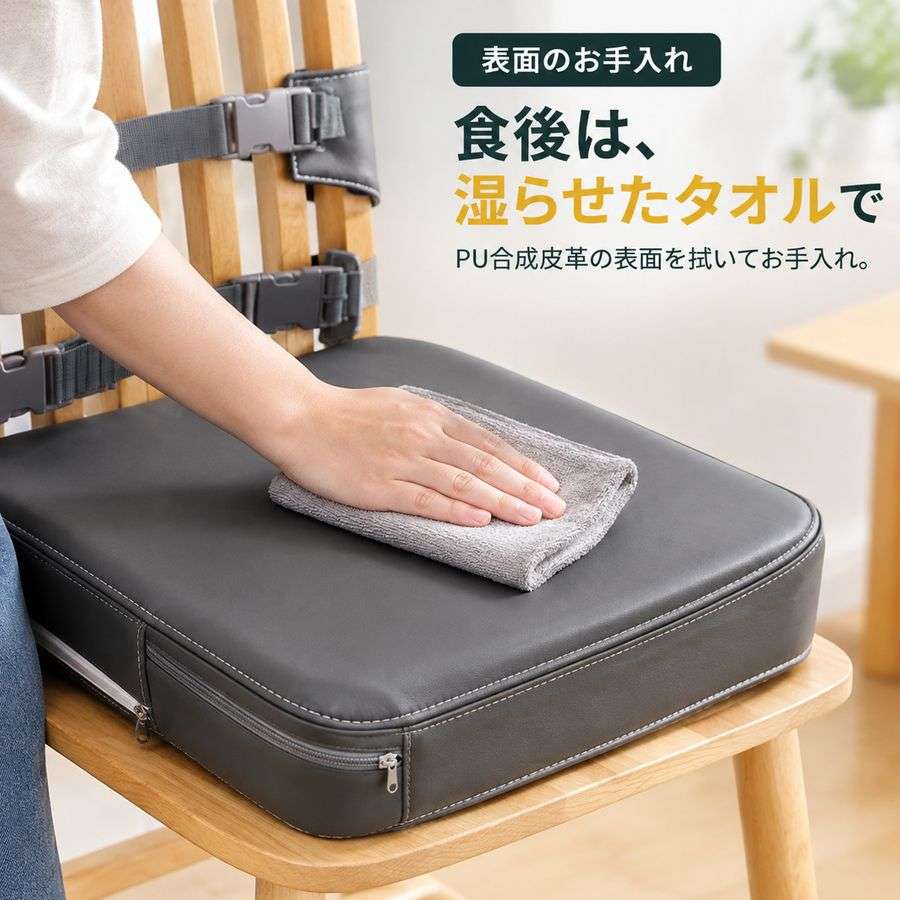
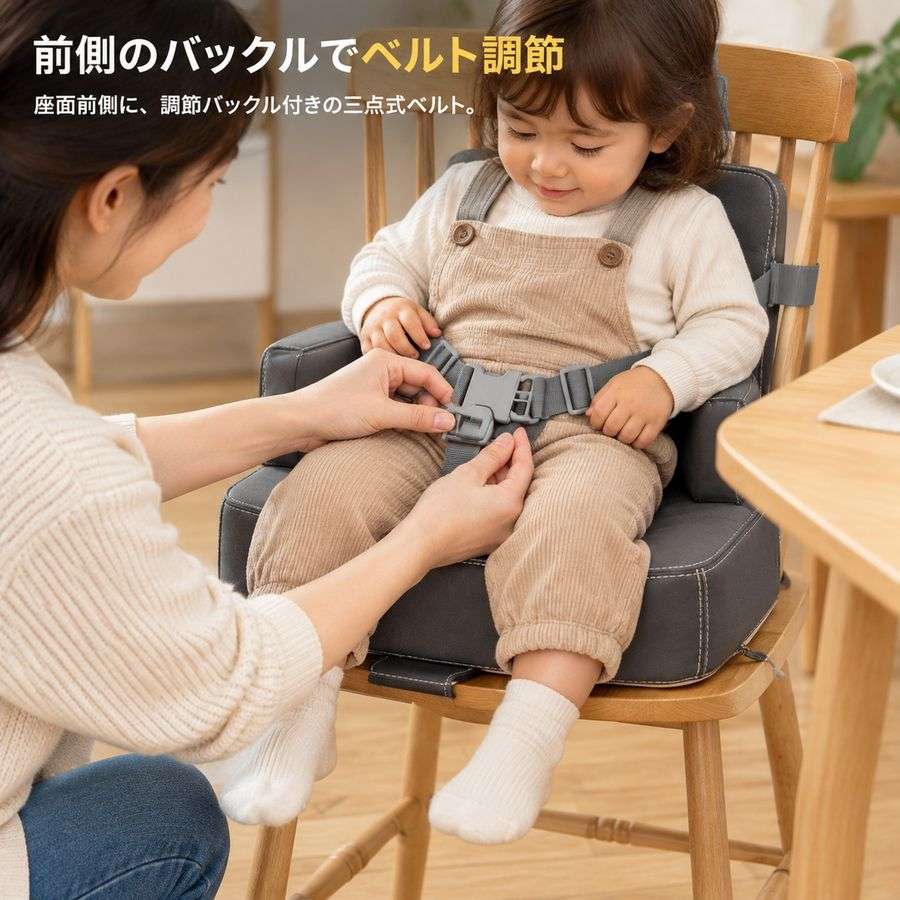
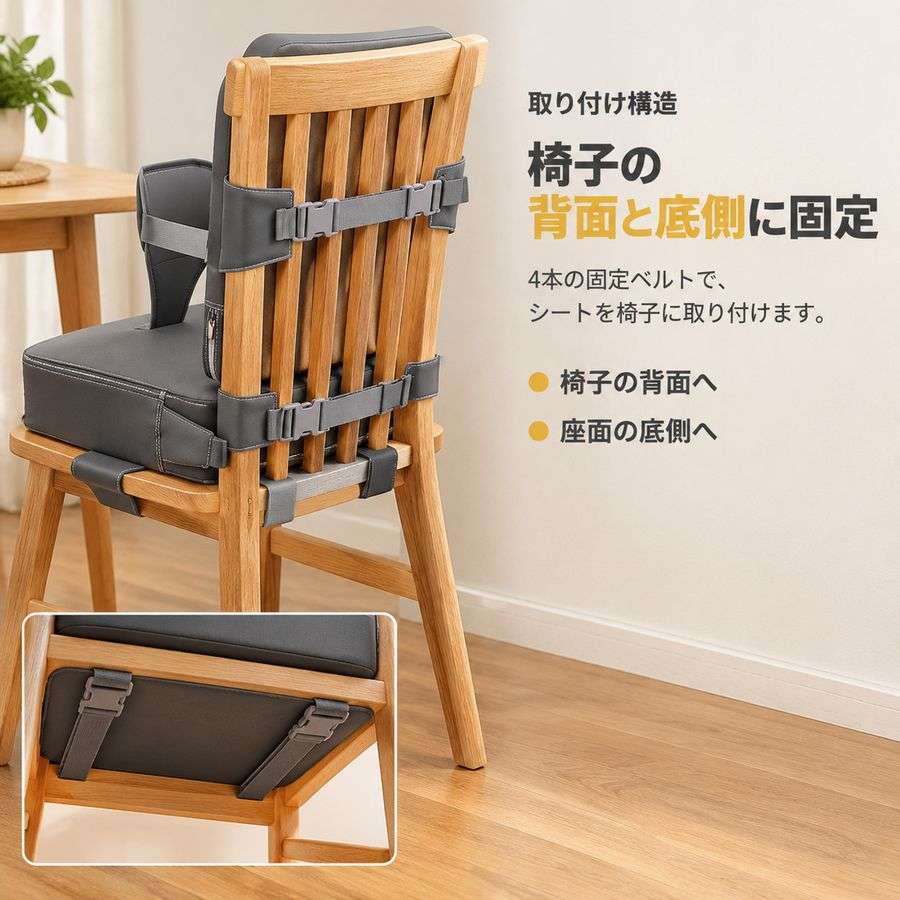
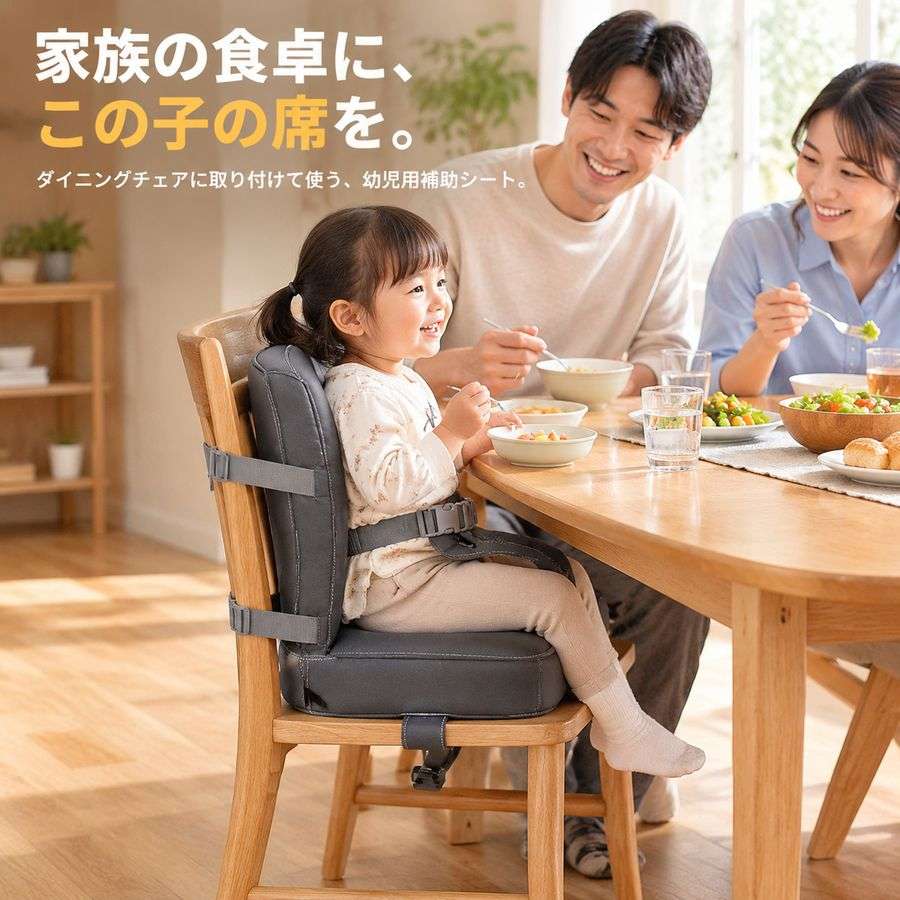
A real case: the booster seat’s listing link was in English; its set was made in Japanese. For another store, start another project from the same link.
- Dutch
- English
- French
- German
- Italian
- Japanese
- Polish
- Spanish
- Swedish
- Turkish
A product image editor, built in. No Photoshop needed.
Every image opens as layers. Change what you need, keep what you like, and download the layered PSD when you want to take it further.
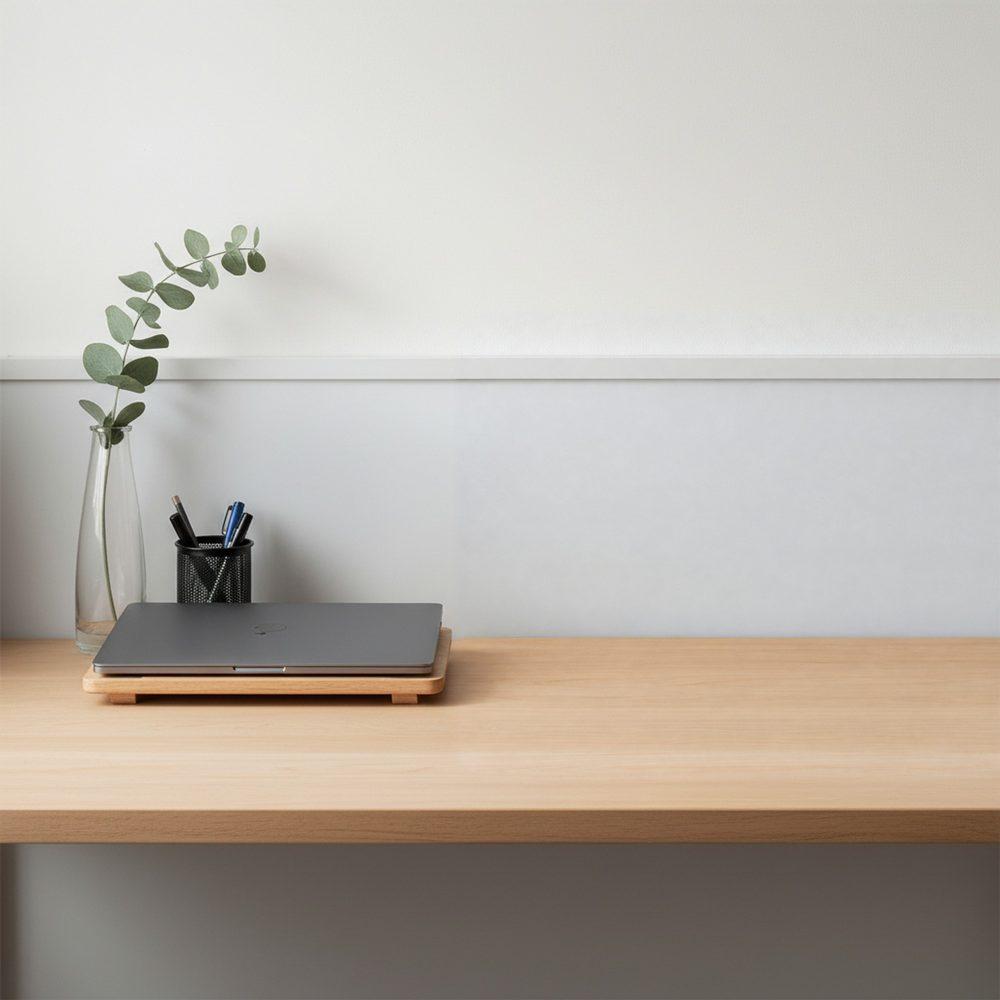
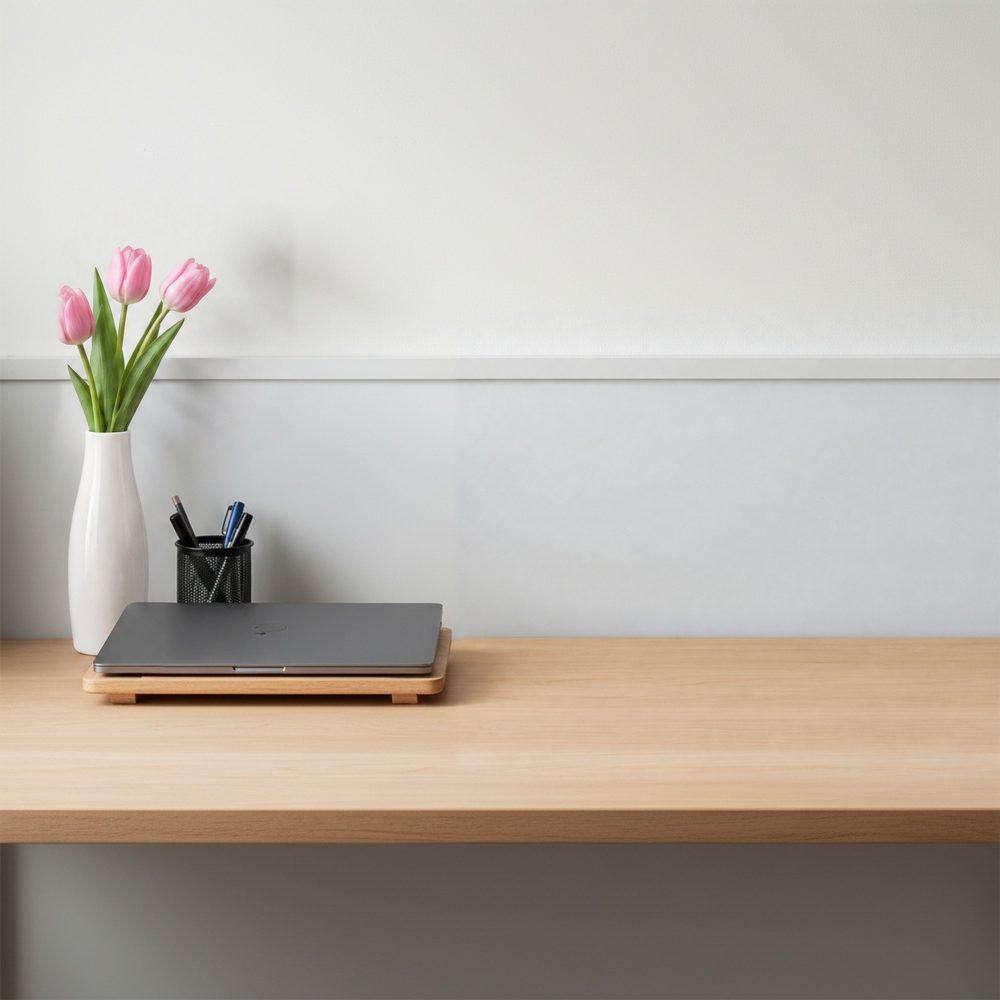
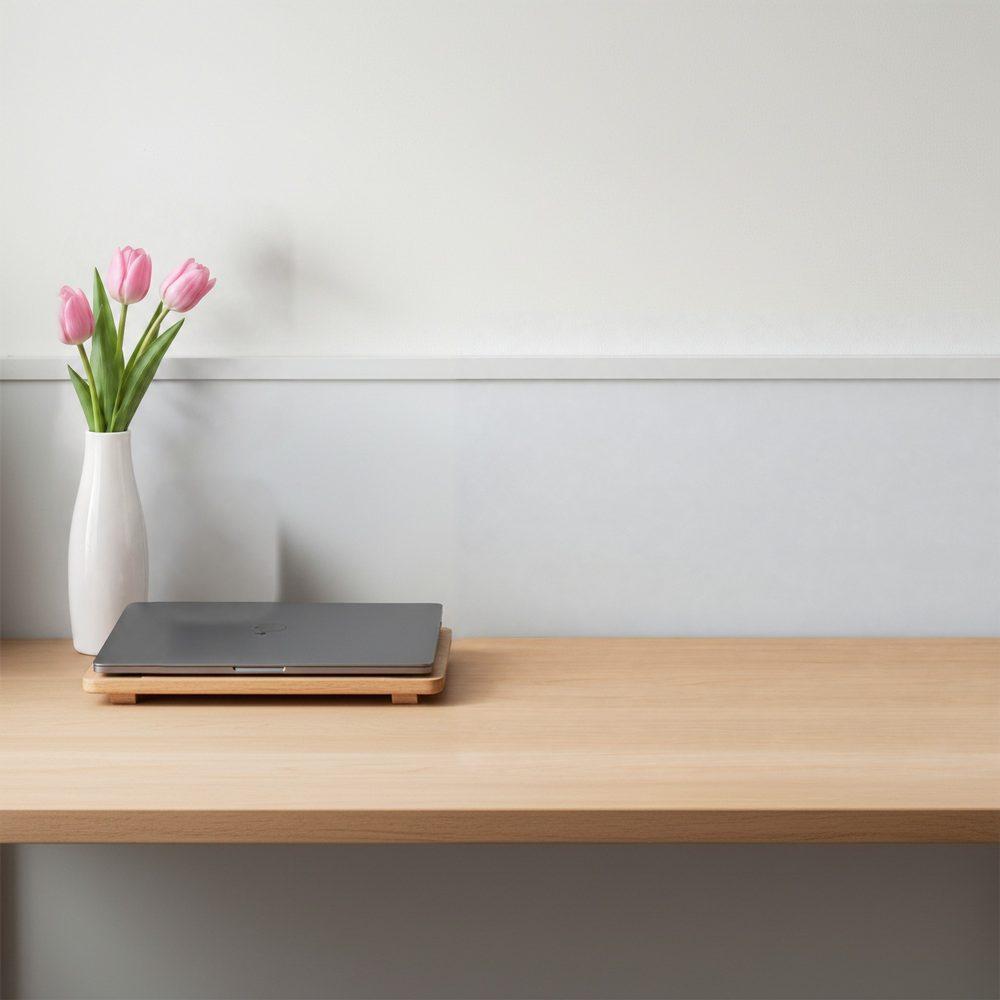
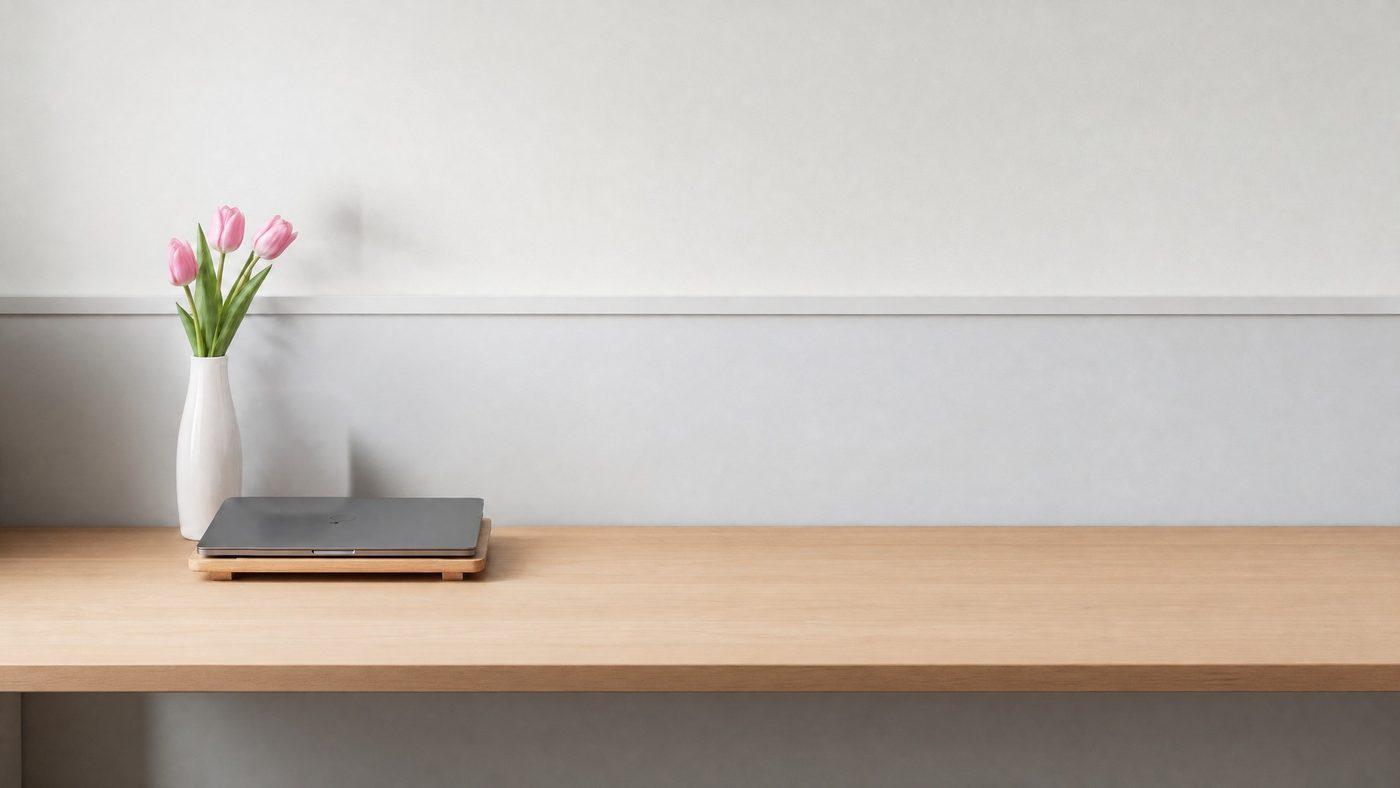
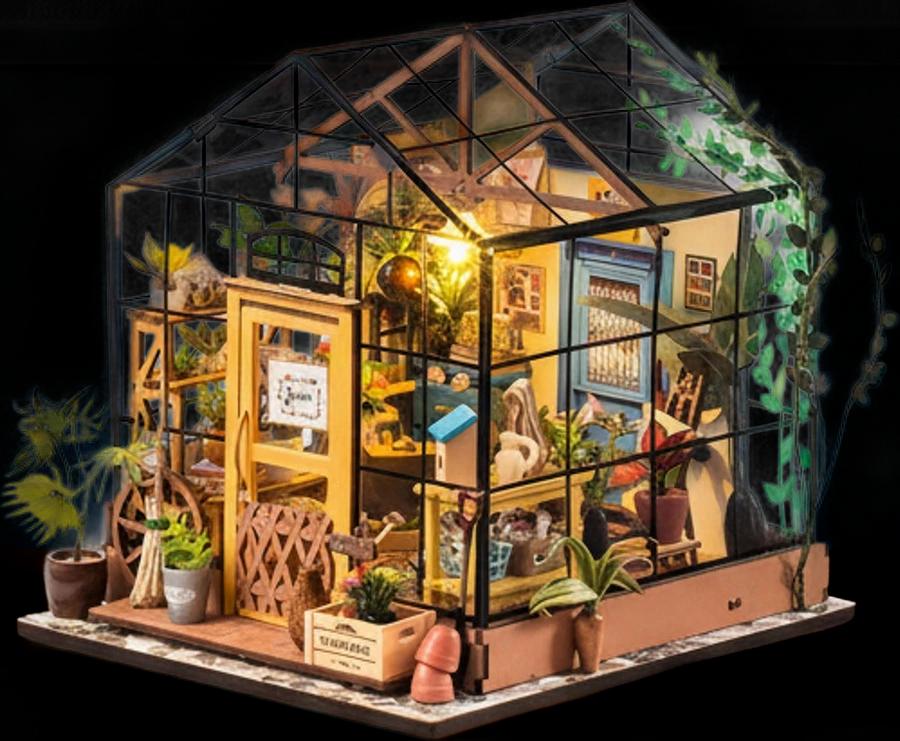
Brighten Your Workspace
An eye-catching decorative piece that adds a creative touch to any desk or shelf.
Layers
- Headline
- Subheadline
- Product
- Background
Turn your listing into a short product video
Planned from your product photos, facts and approved copy. You see the plan and every storyboard frame before the video is made.
AI plans every shot
Choose a length from 10 to 30 seconds, then edit the direction before anything is drawn.
Approve the storyboard
See each shot as a picture first, and redraw any one you want changed.
One video, with voiceover and captions
Once you confirm the storyboard, the whole video is made in one go.
Charged as each step finishes
You see the estimate first, and each step costs what it actually used, never more than shown.
Listing image examples, from the seller’s photos to a ready-to-upload set
Real products, real outputs. Nothing on this page was retouched by hand.
All it needs
Auto Agent. English copy.
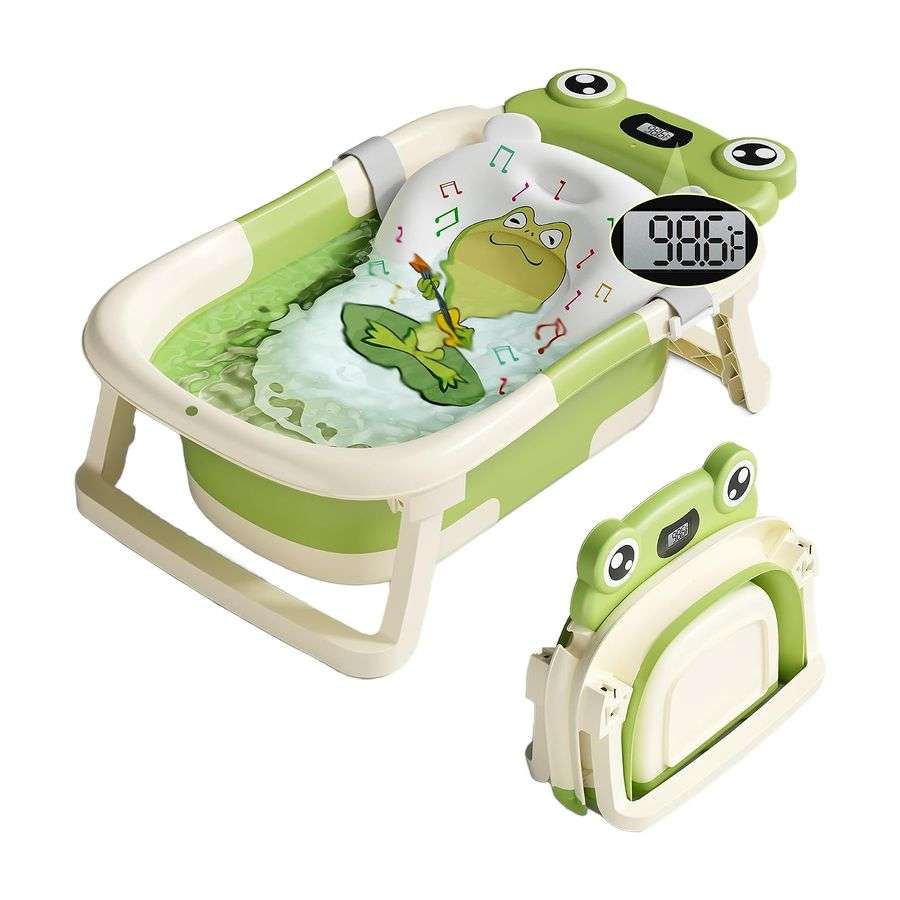
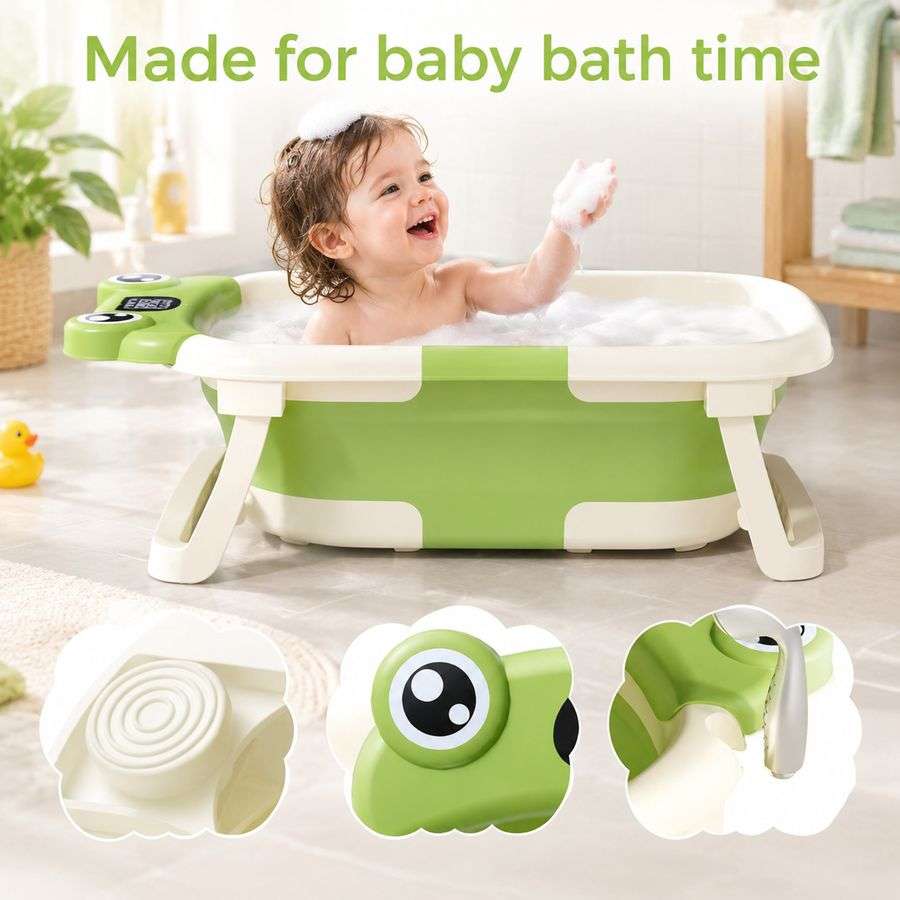
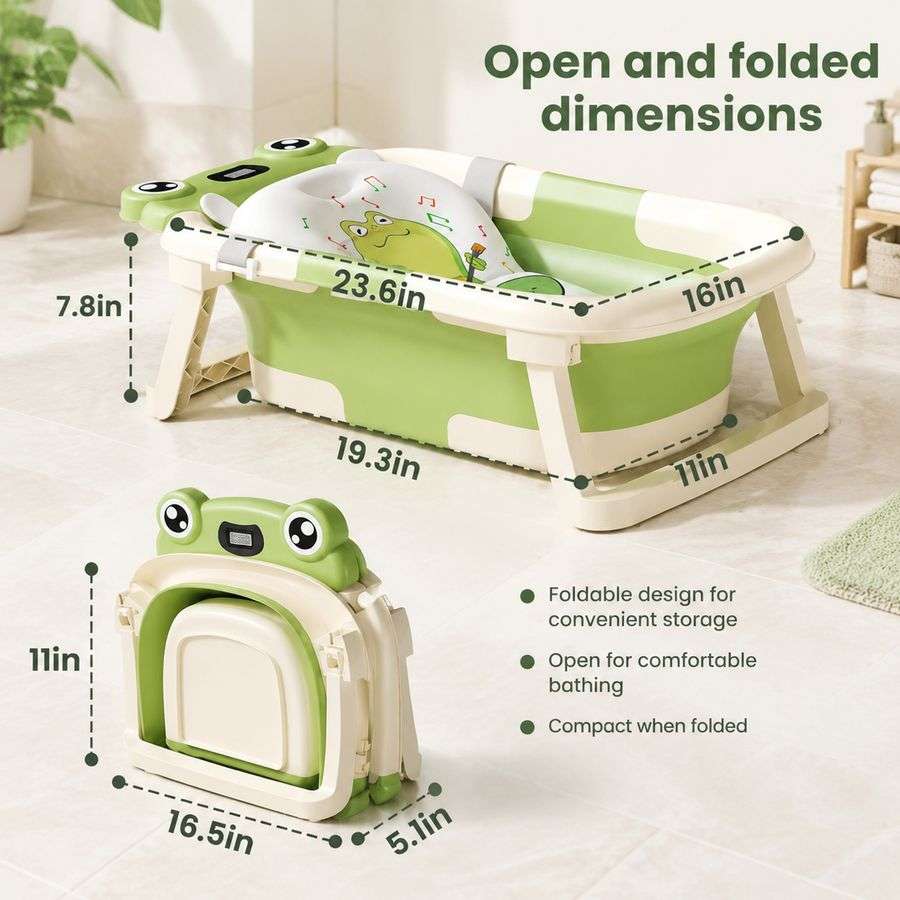
9 images made from them
Main image
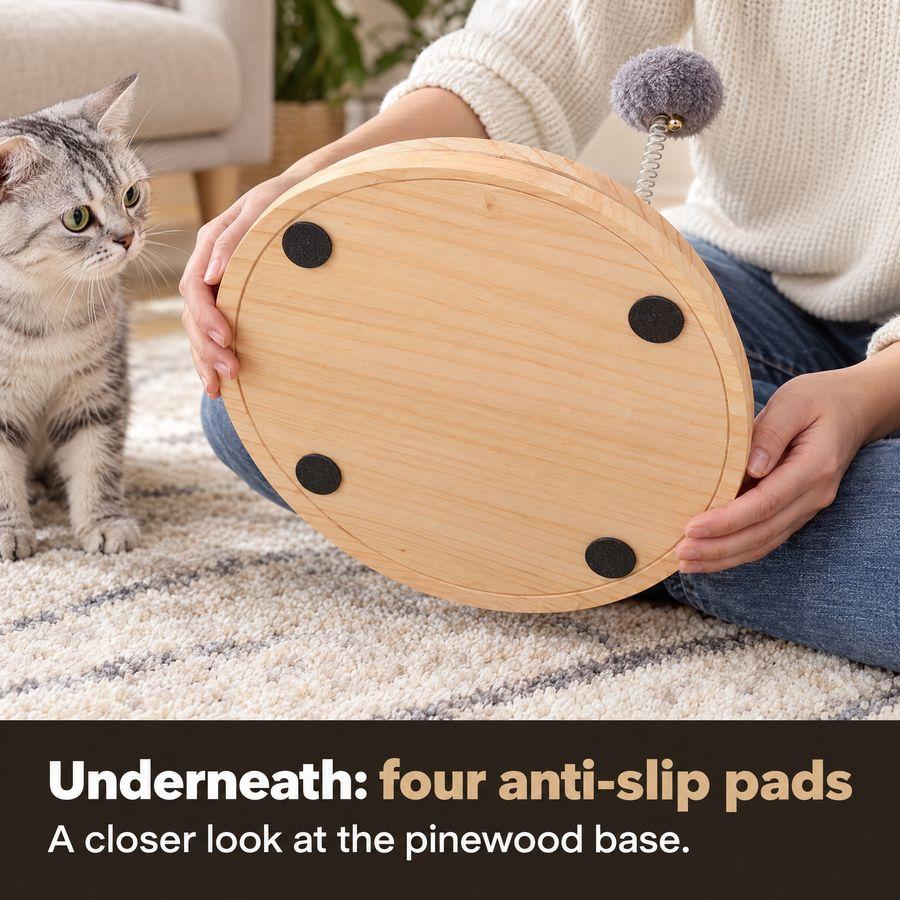
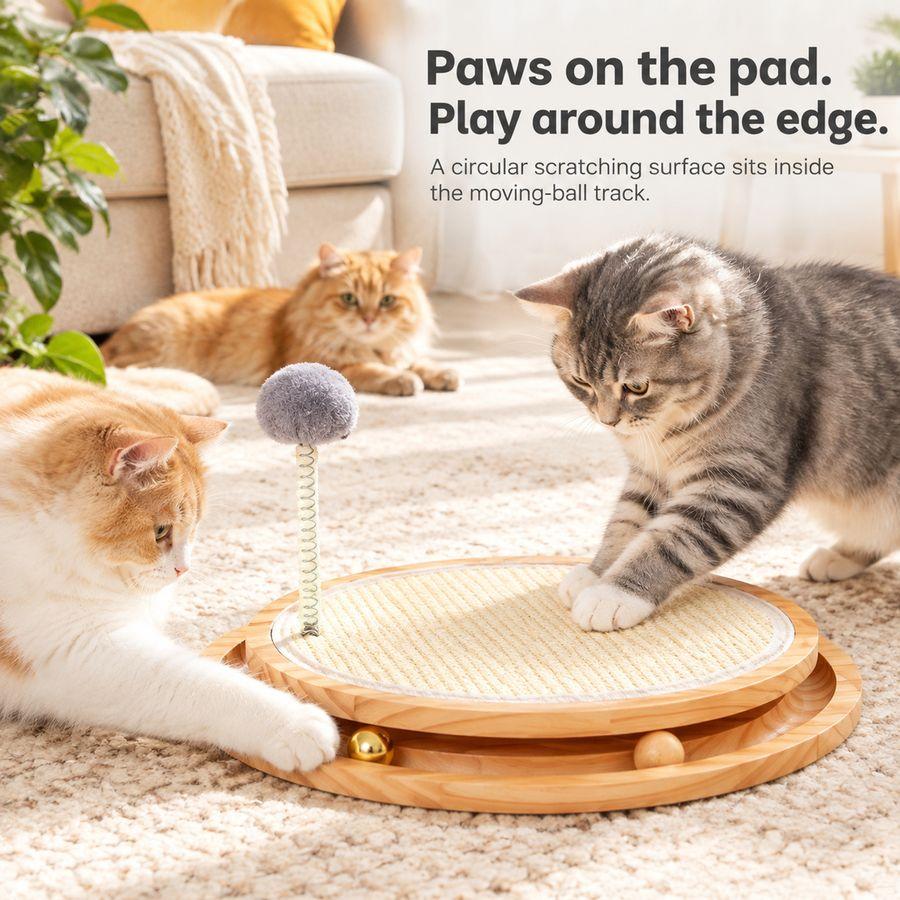
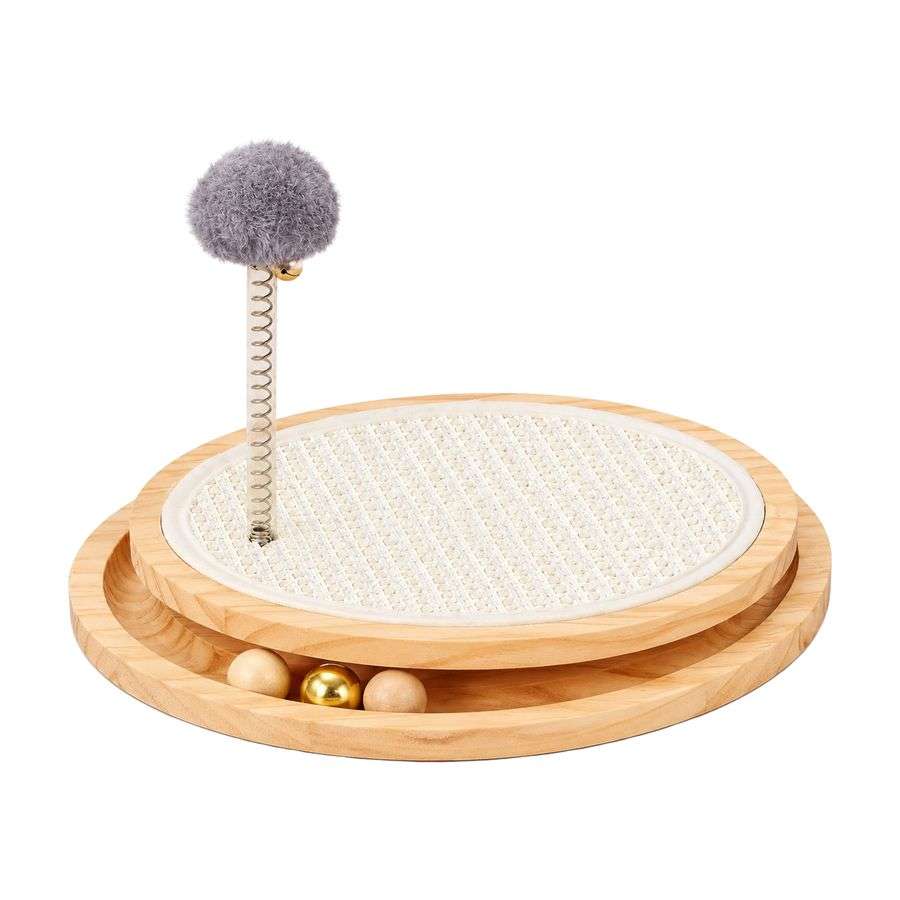

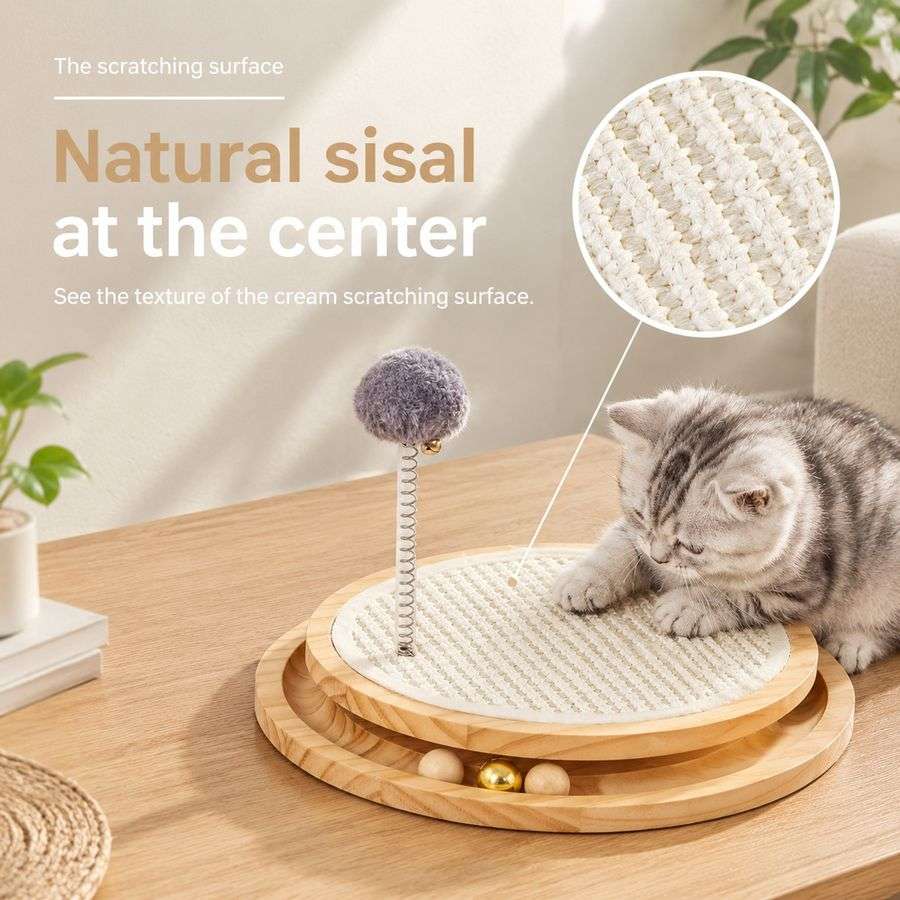
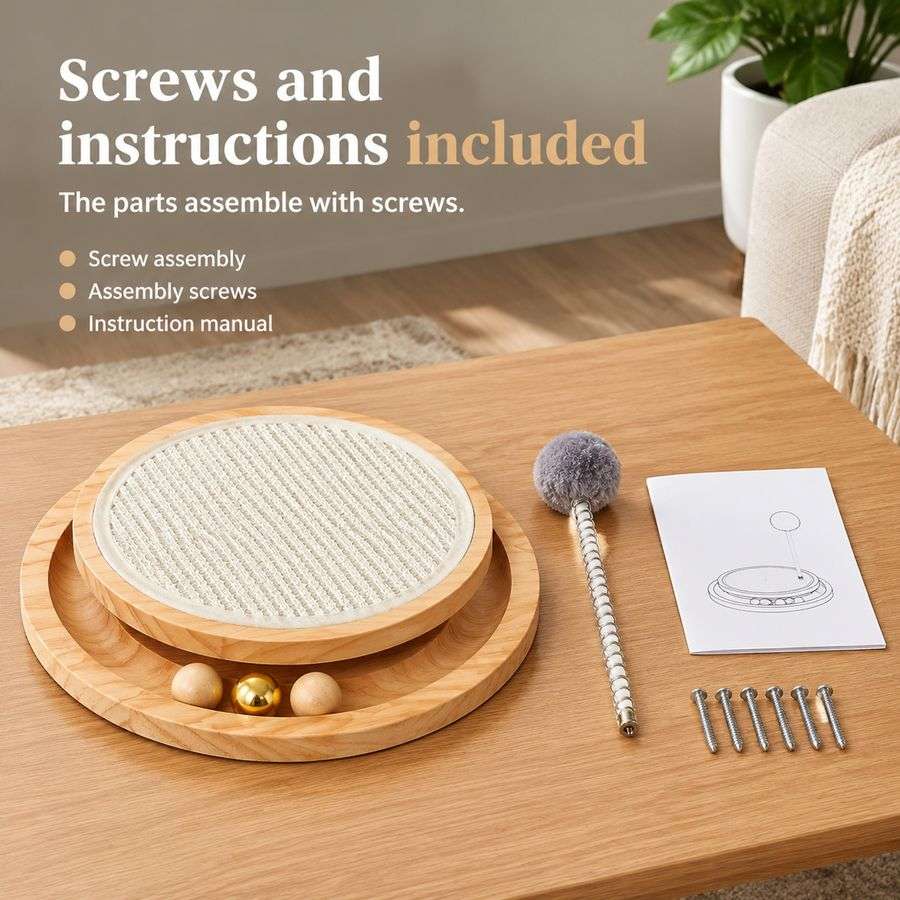



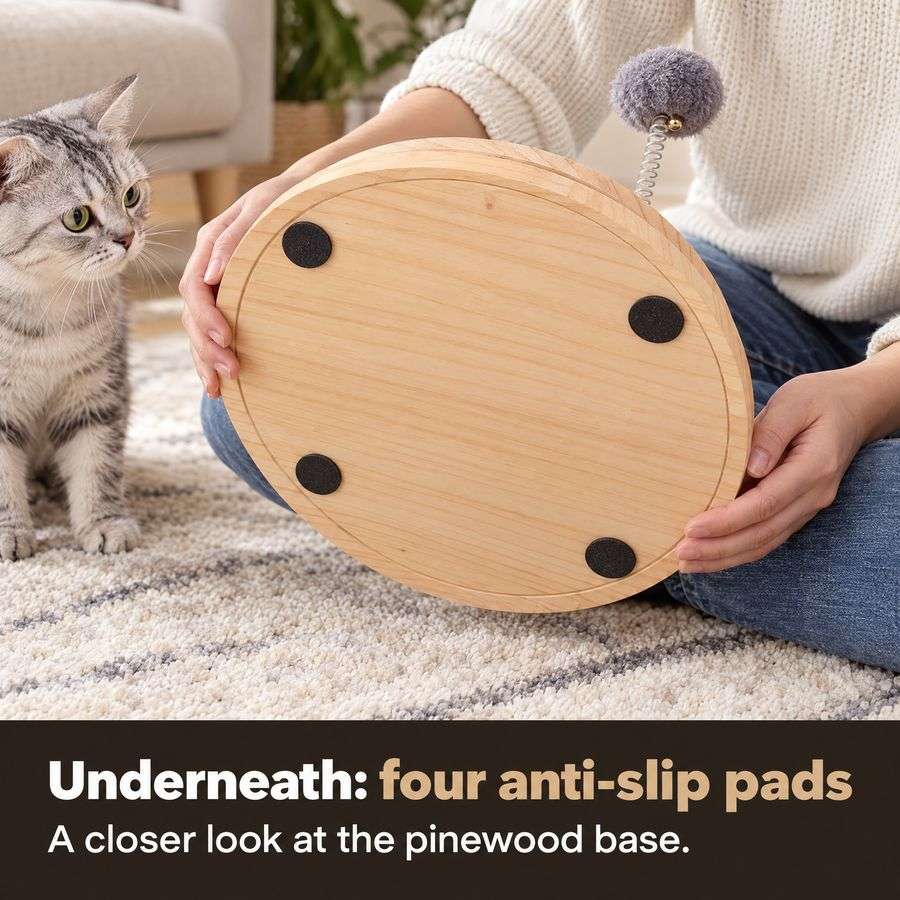
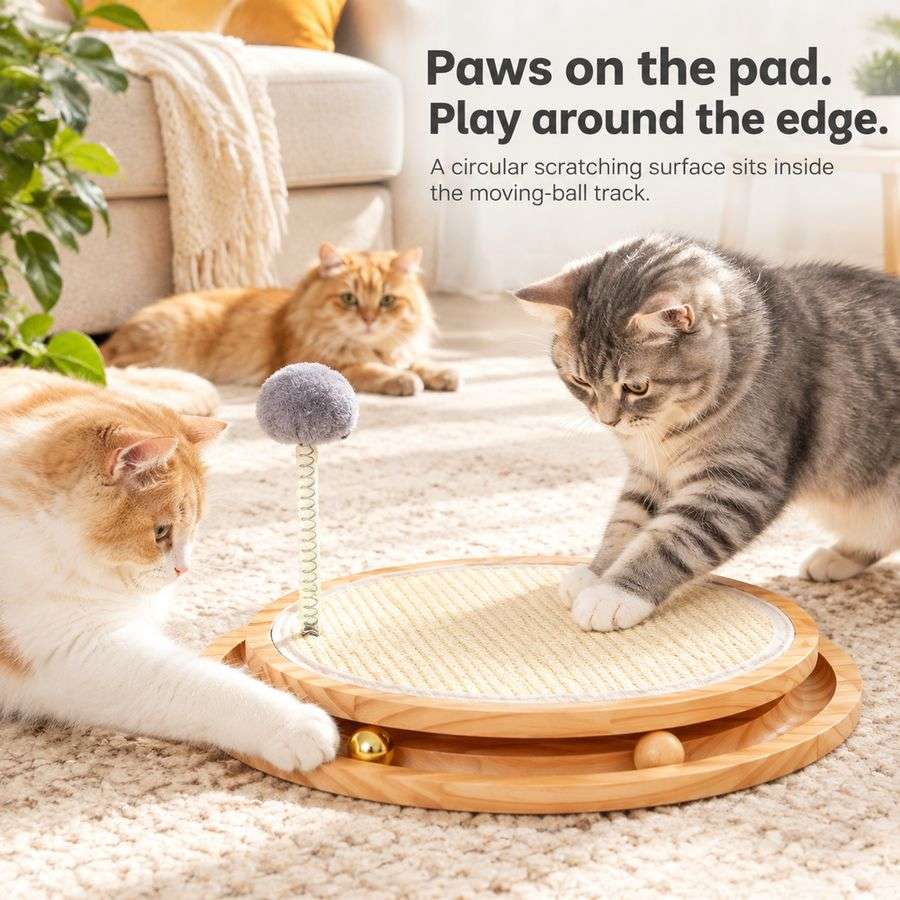
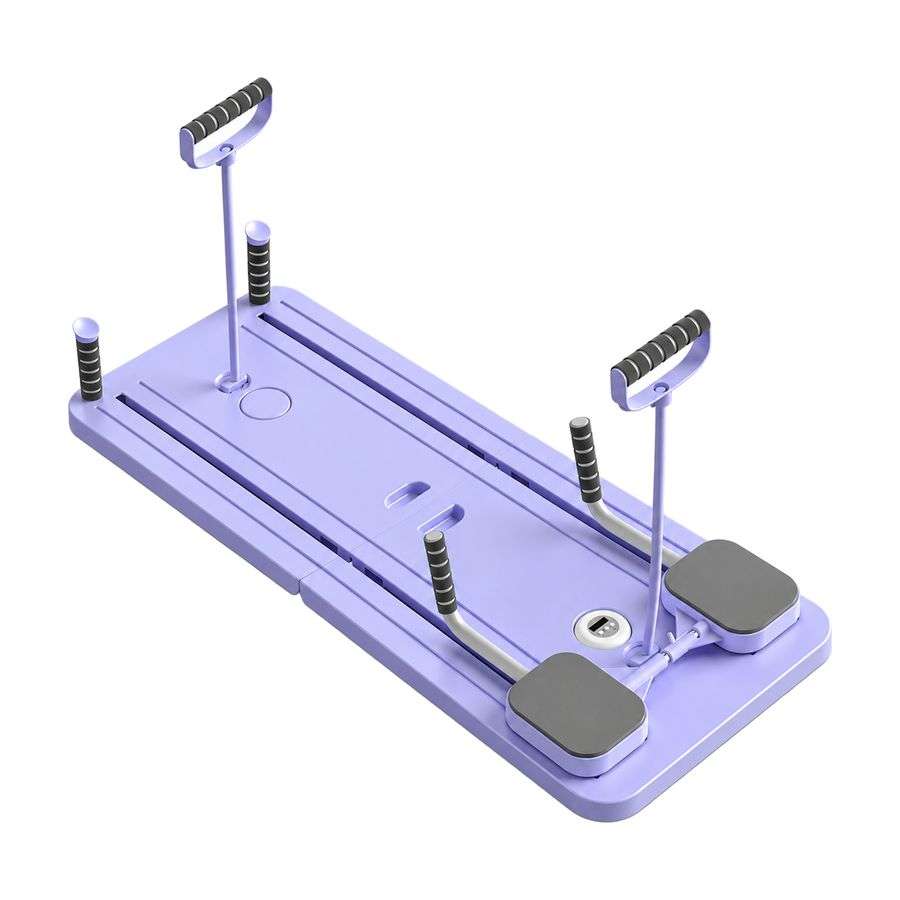

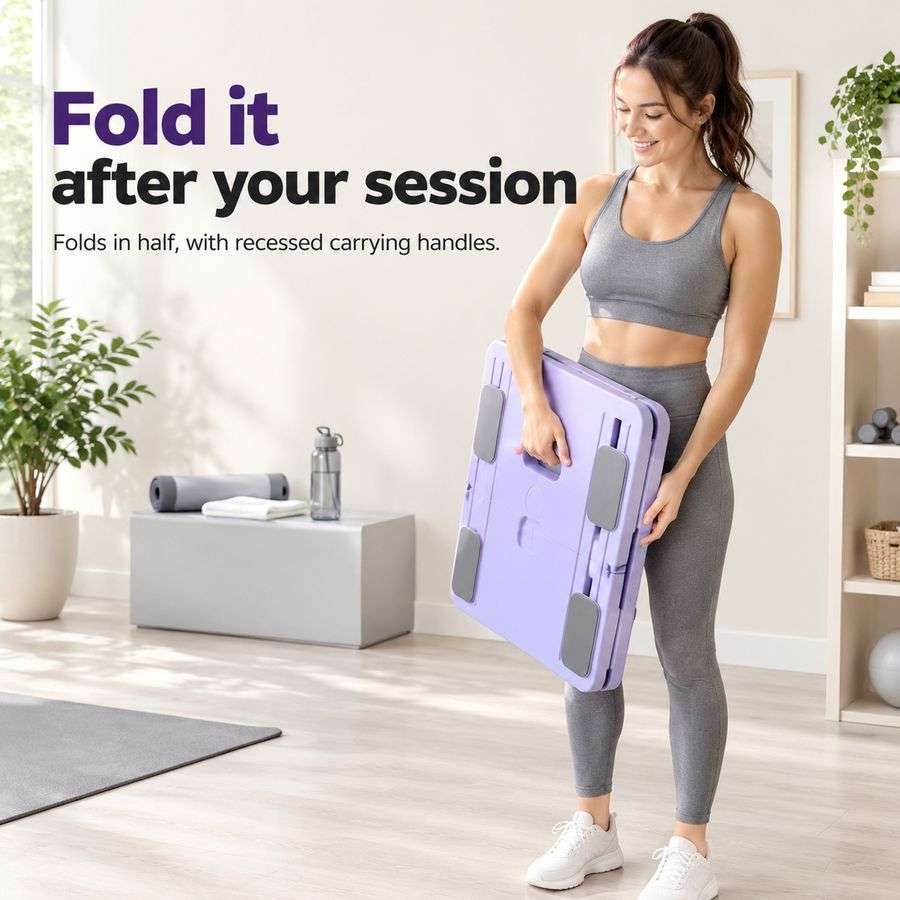
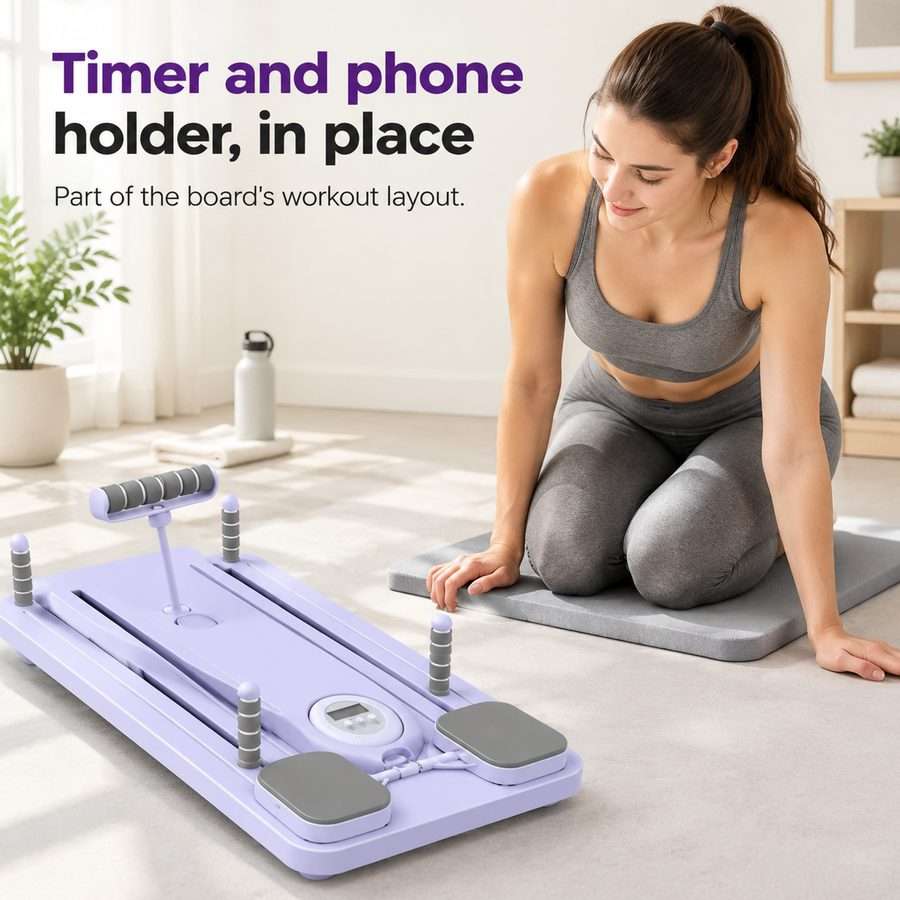
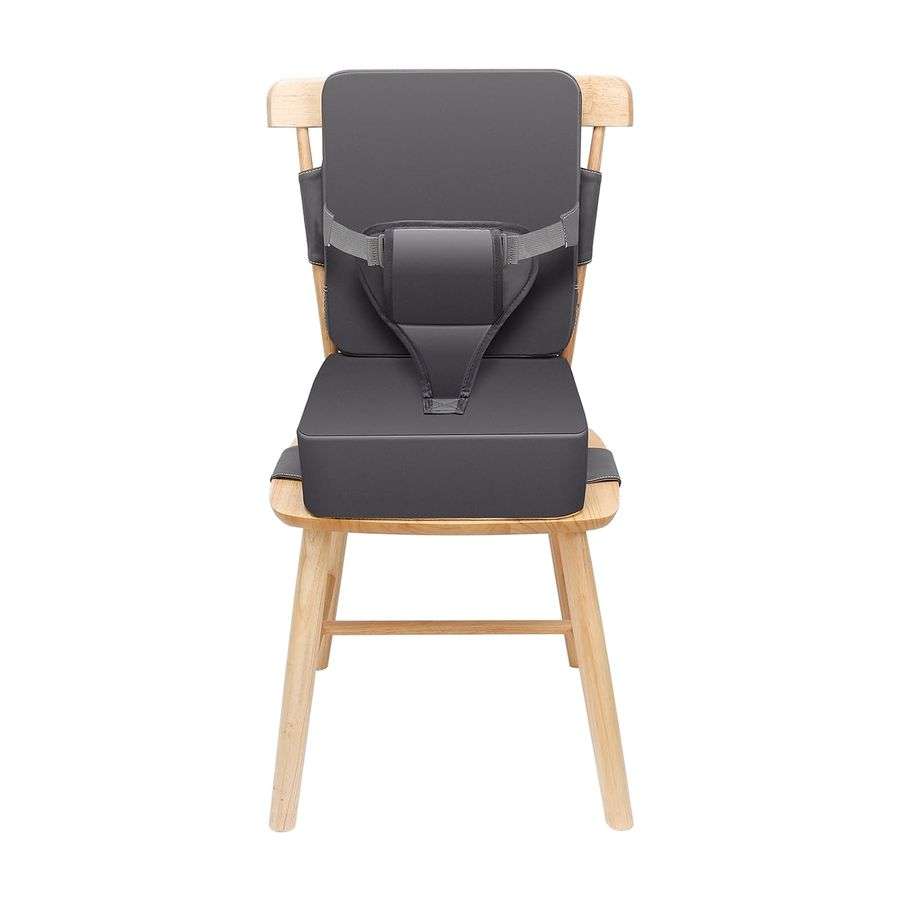
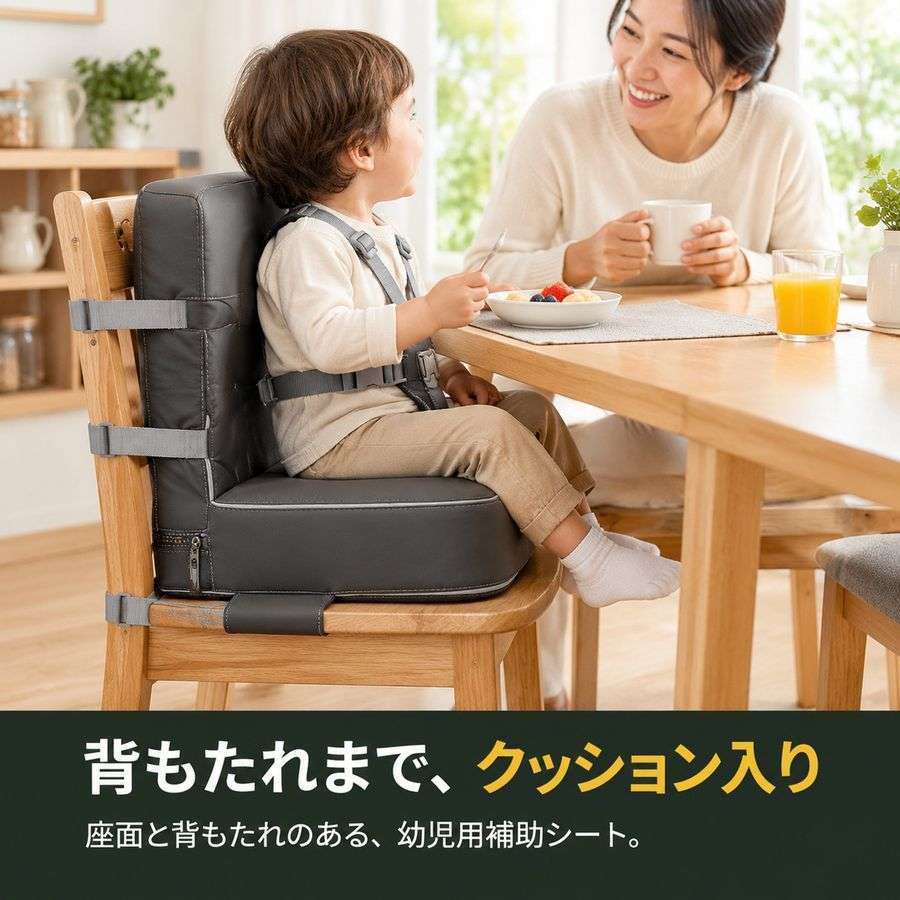

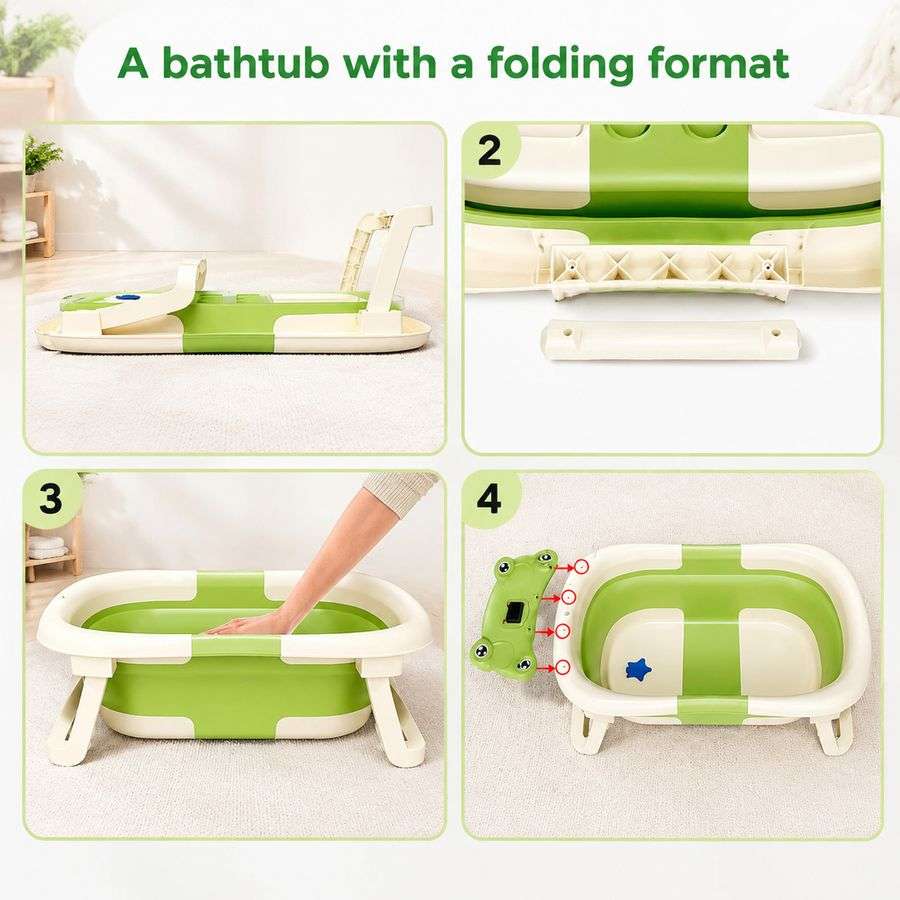
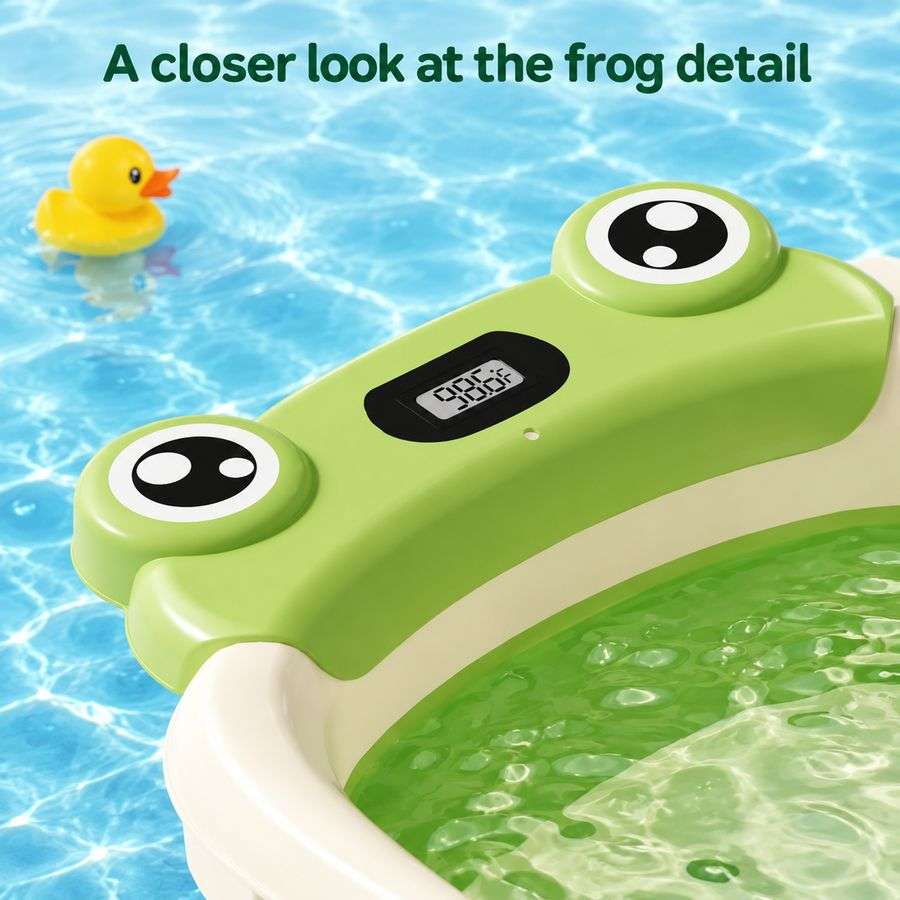
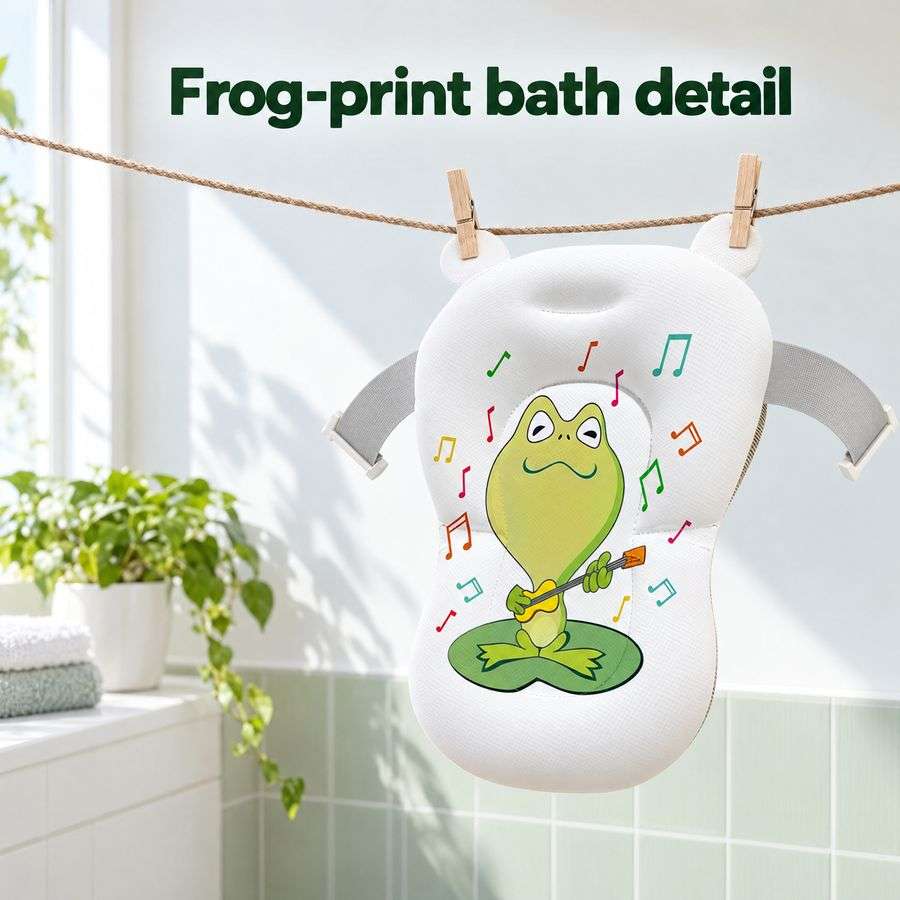
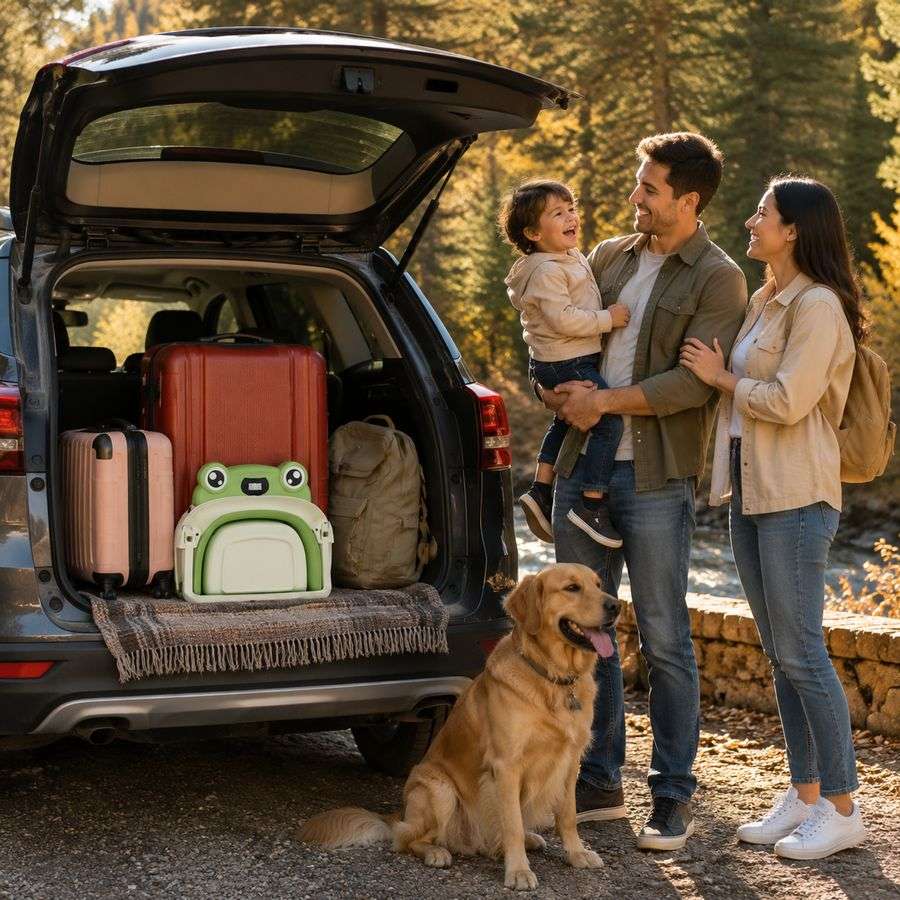
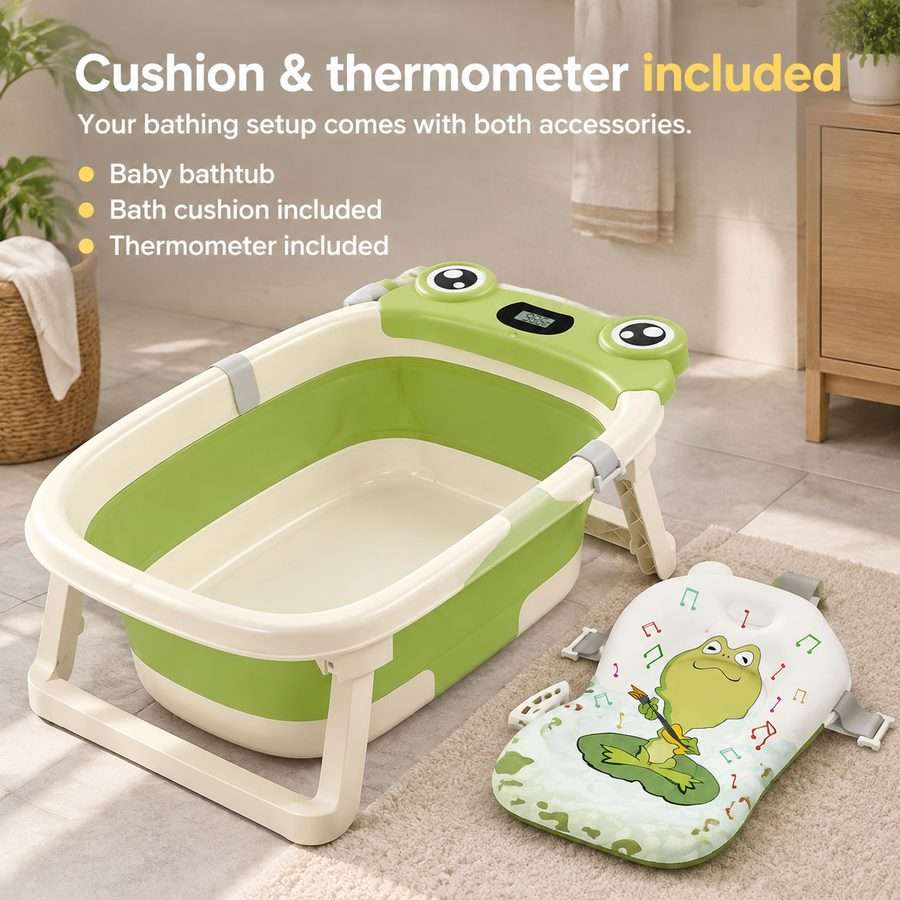
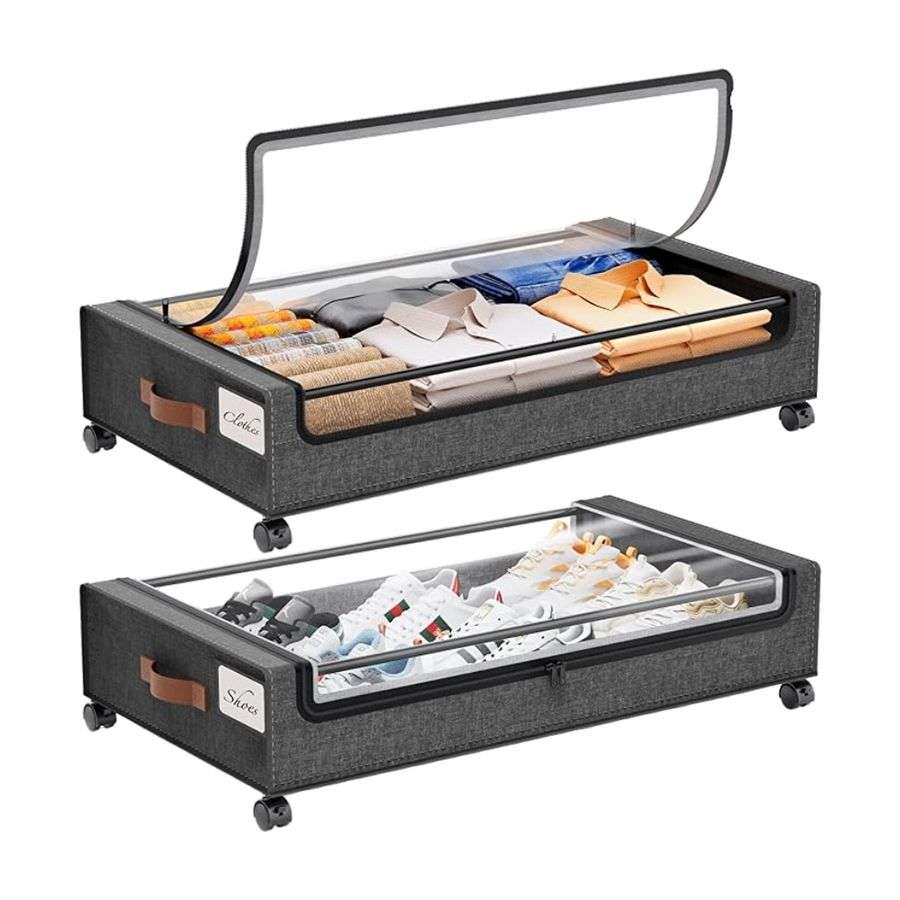
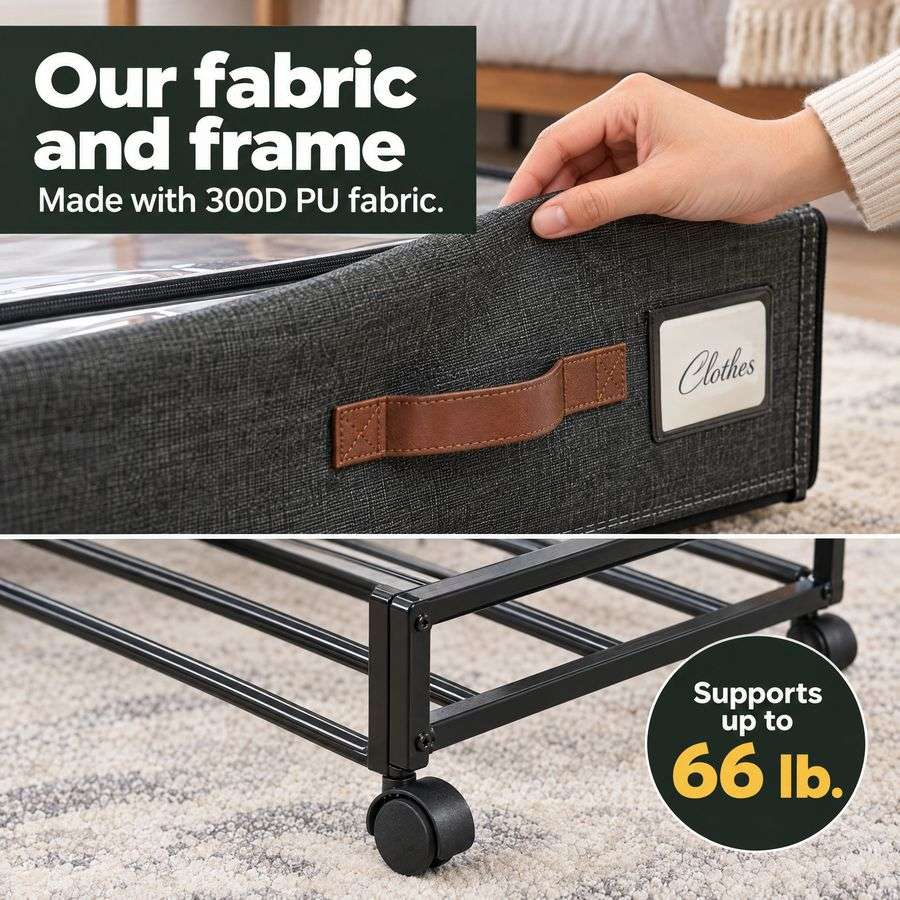
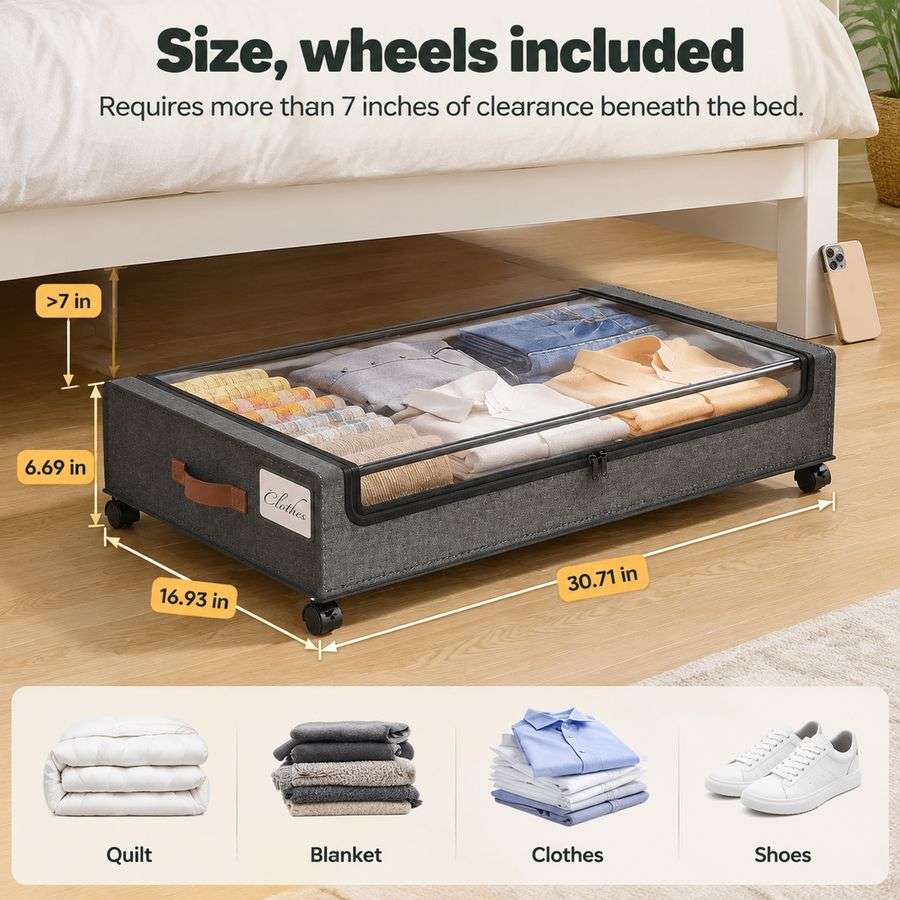


AI tools for product images
Quick fixes for a single picture — no listing project needed.
AI Image Enhancer
Turn a blurry or low-resolution image into a sharp 2K version.
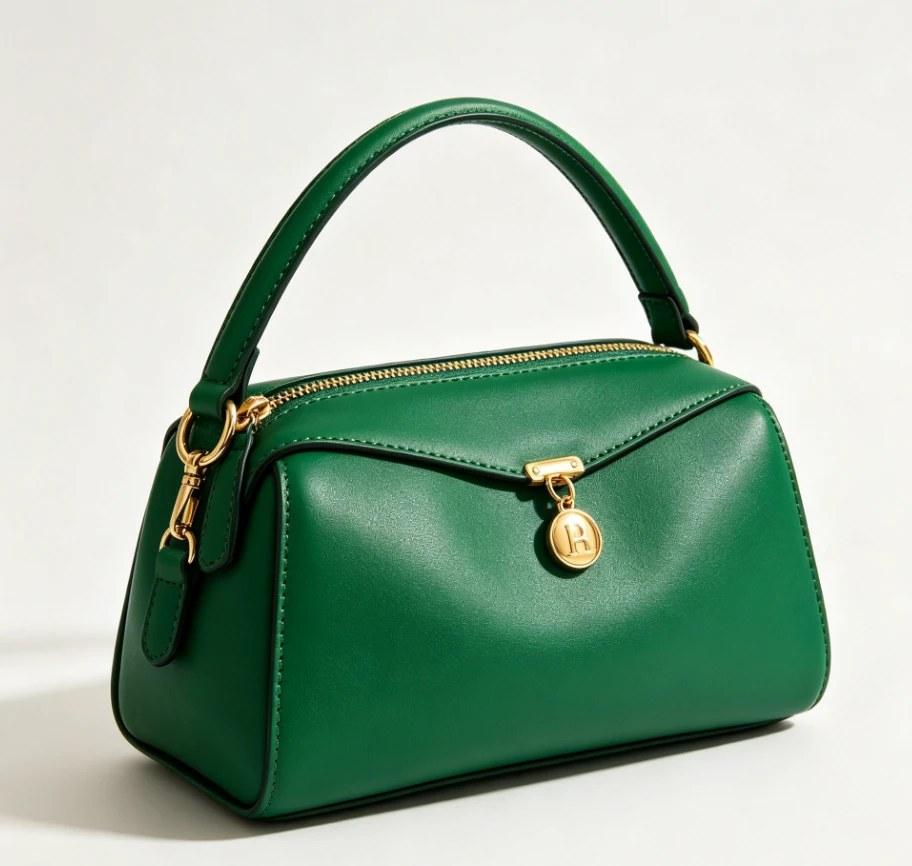
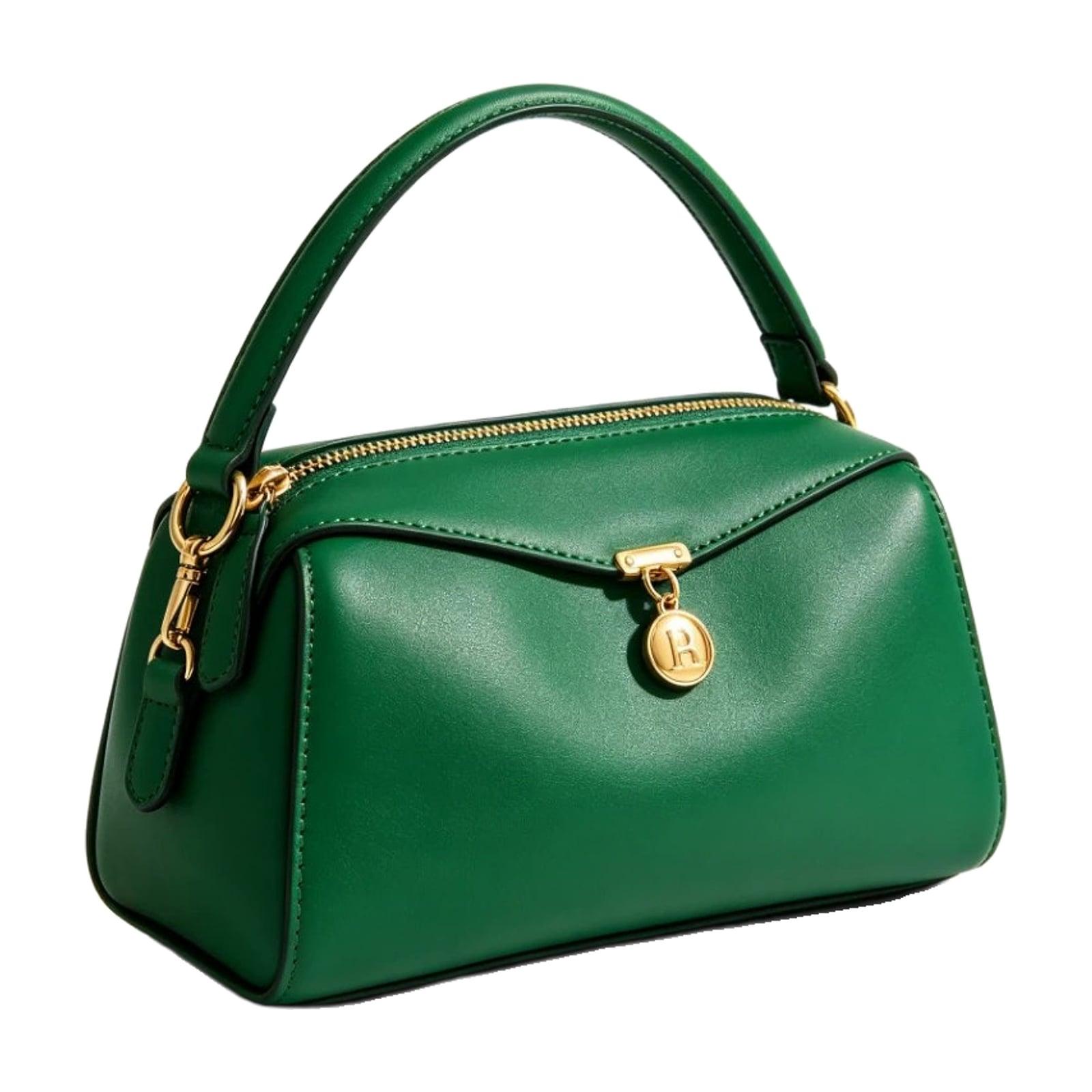
Fine cutout + Remove shadow
White Background Maker
Put a product photo on a pure white background, centred and sized.
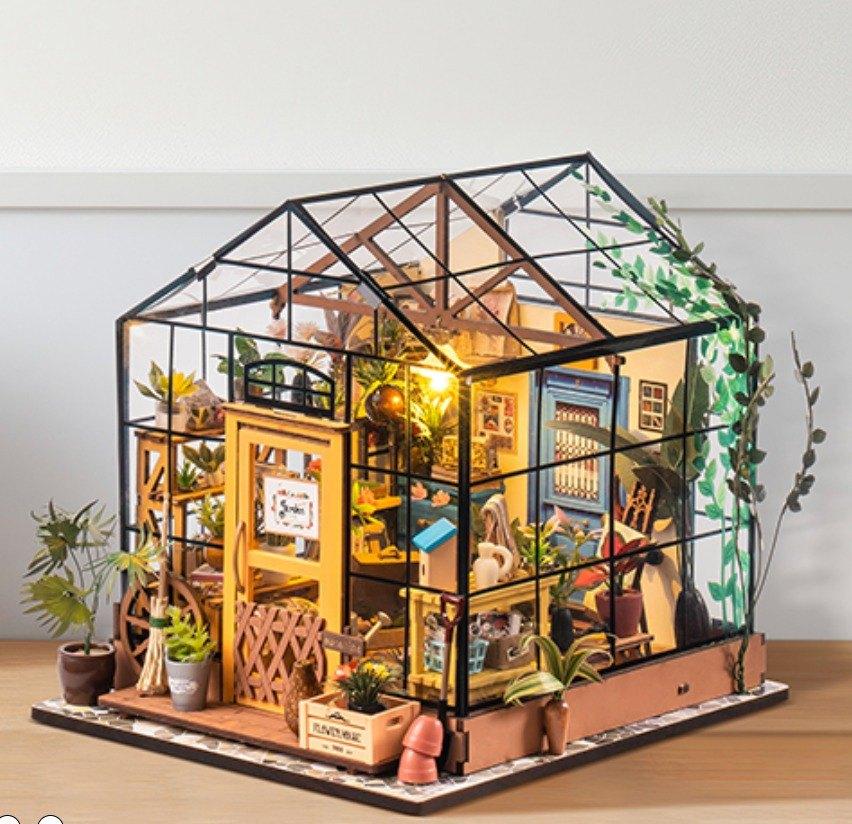
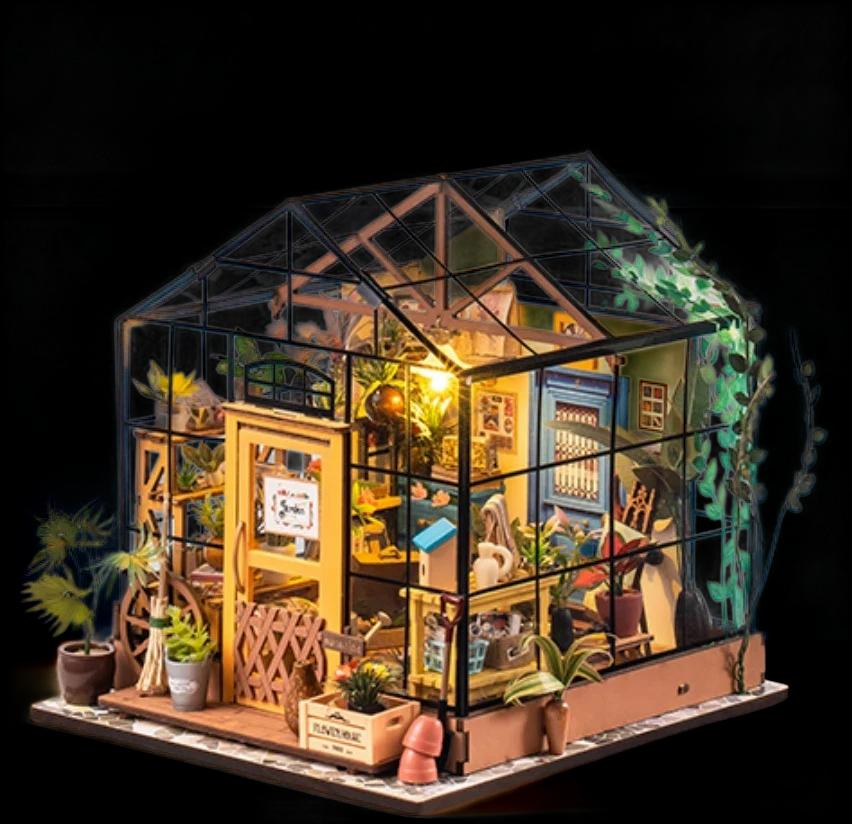
Made with the fine cutout
Remove Background
Remove the white or busy background and download a transparent PNG.


Change Image Size
Set any width and height — AI extends the background when the shape changes.
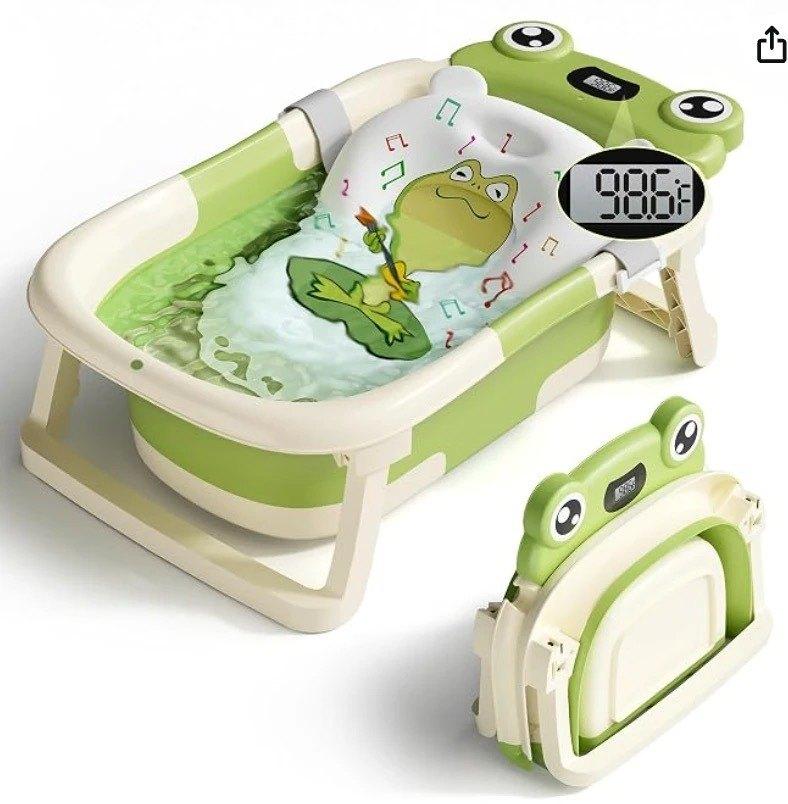
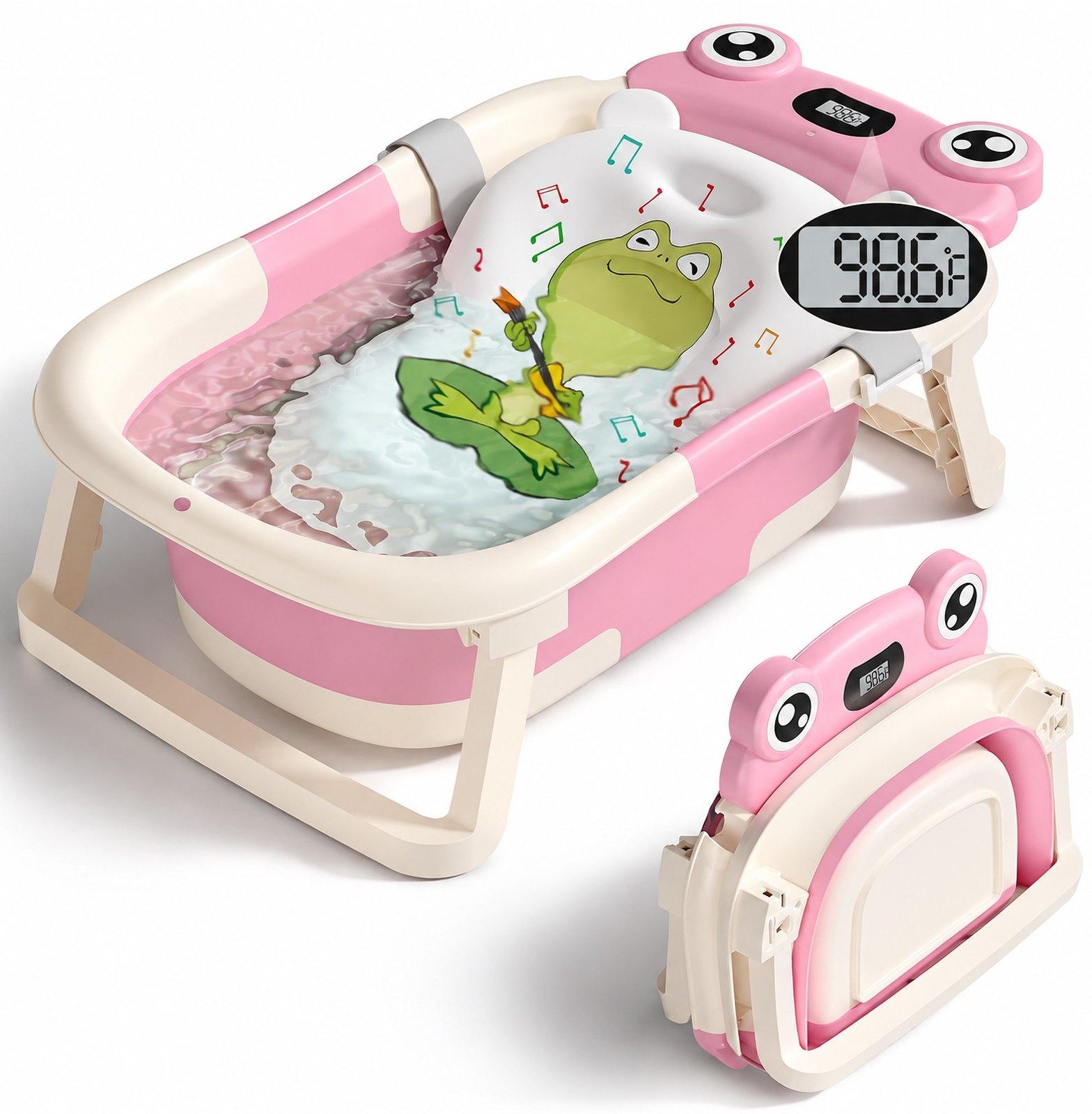
Color Changer
Recolor any part of a photo — one shot becomes an image for every color SKU you sell. Pick the color and the model.
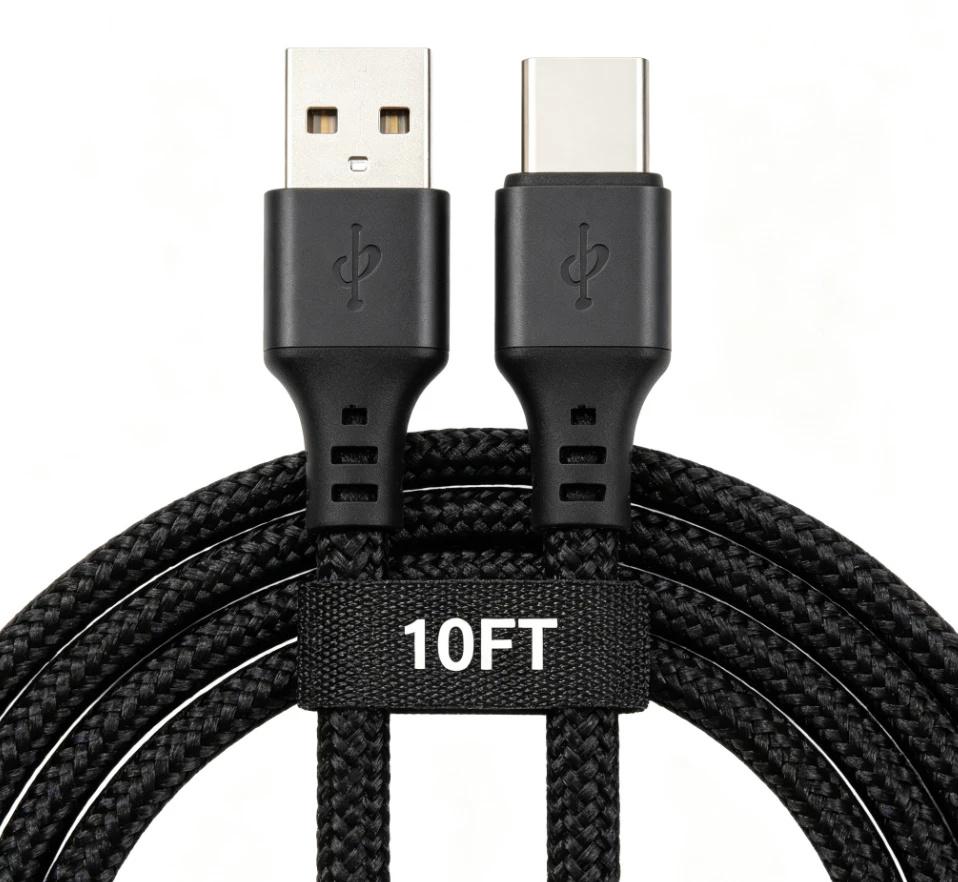
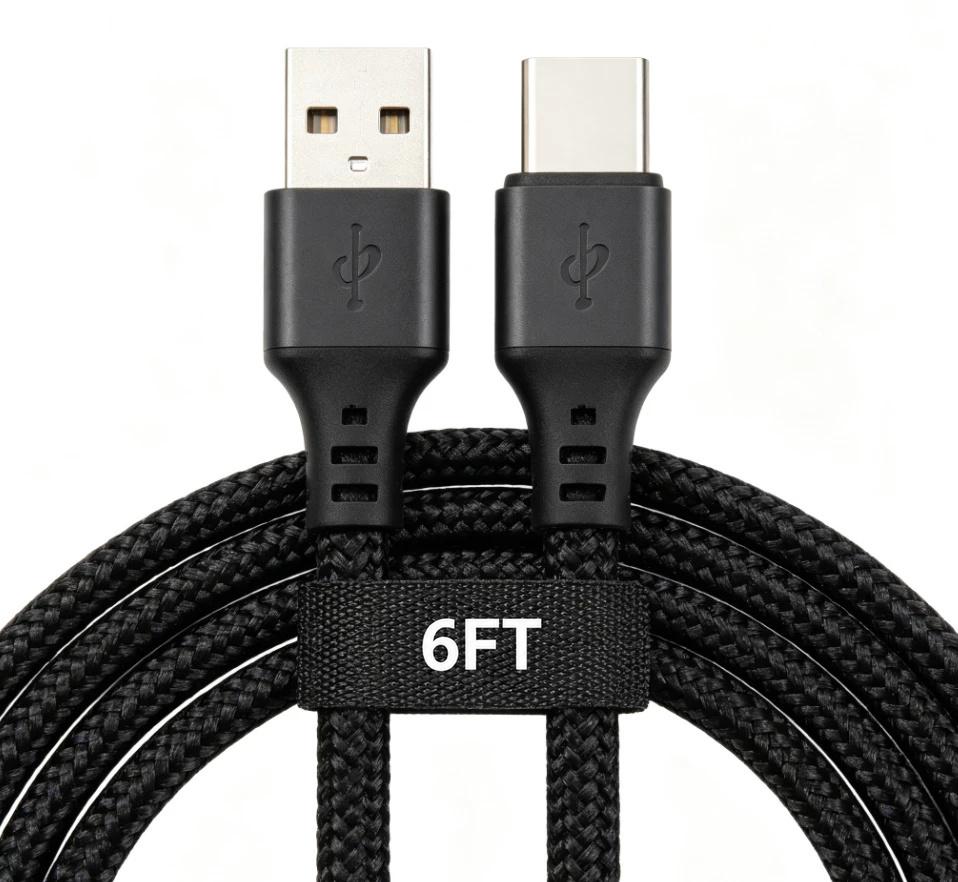
AI Inpaint
Brush over part of a photo to remove it or replace it — add a SKU, change size text.


Magic Eraser
Brush over a sticker, a person or clutter and AI erases it cleanly.
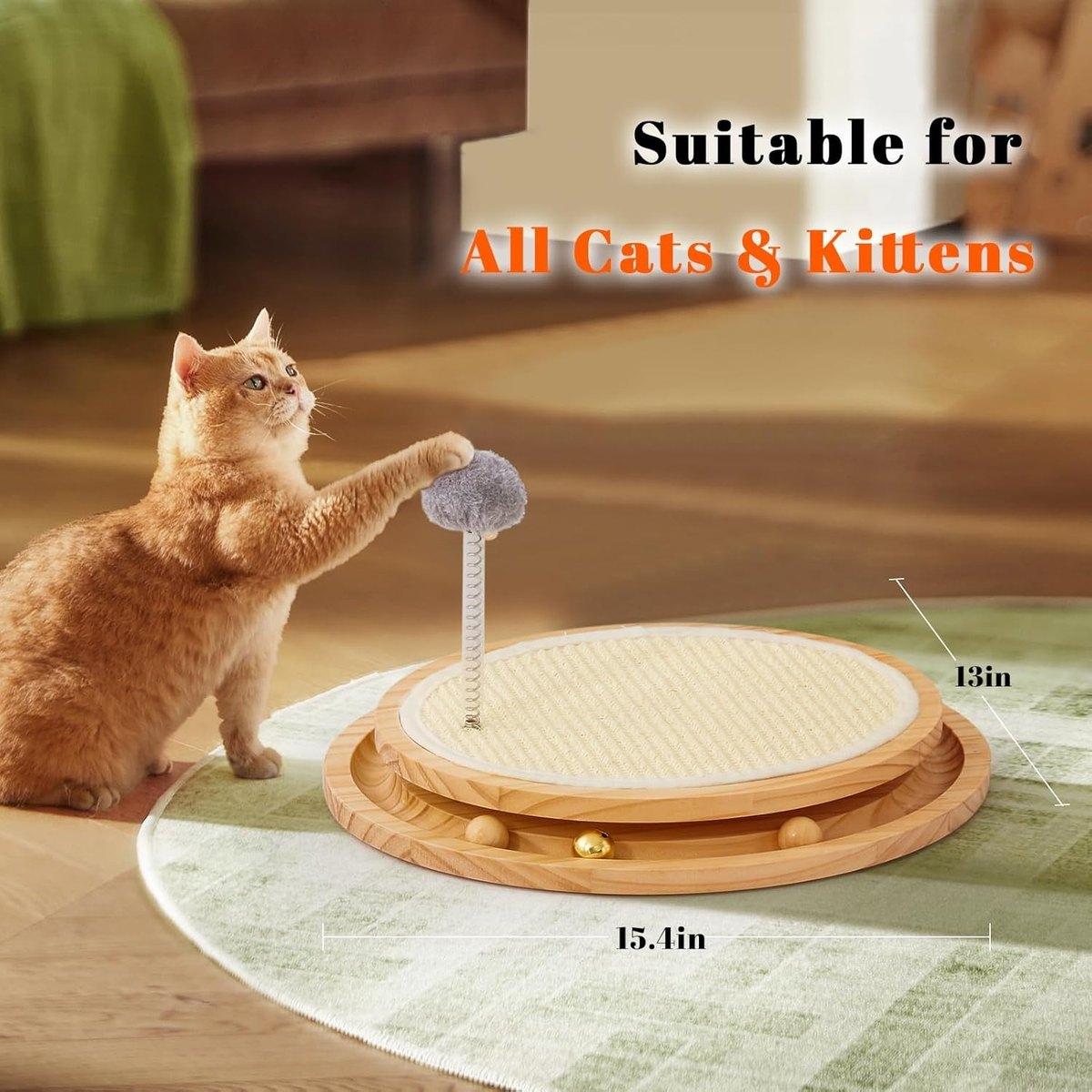
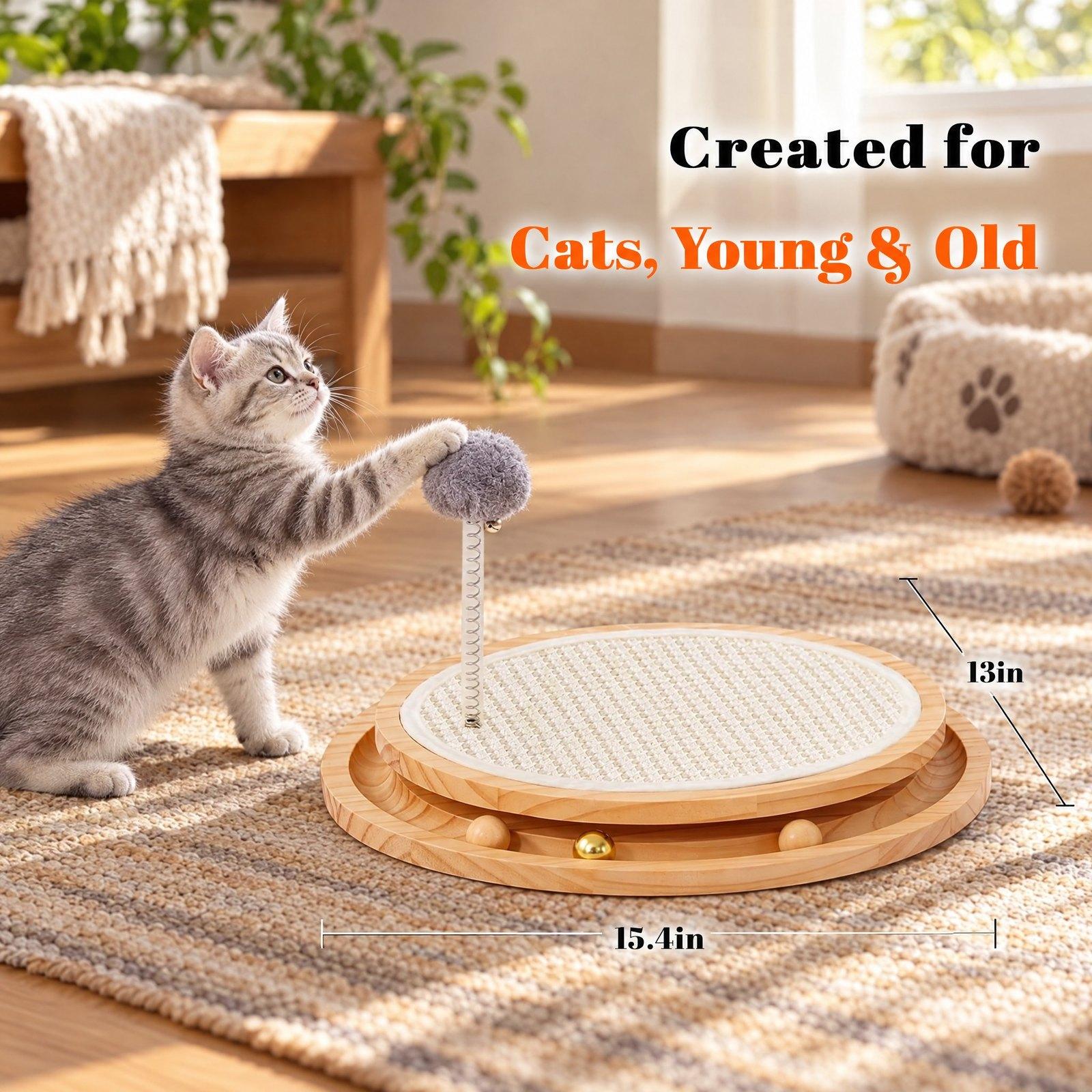
Viral Image Generator
An original image in the style of one that went viral — your product optional.
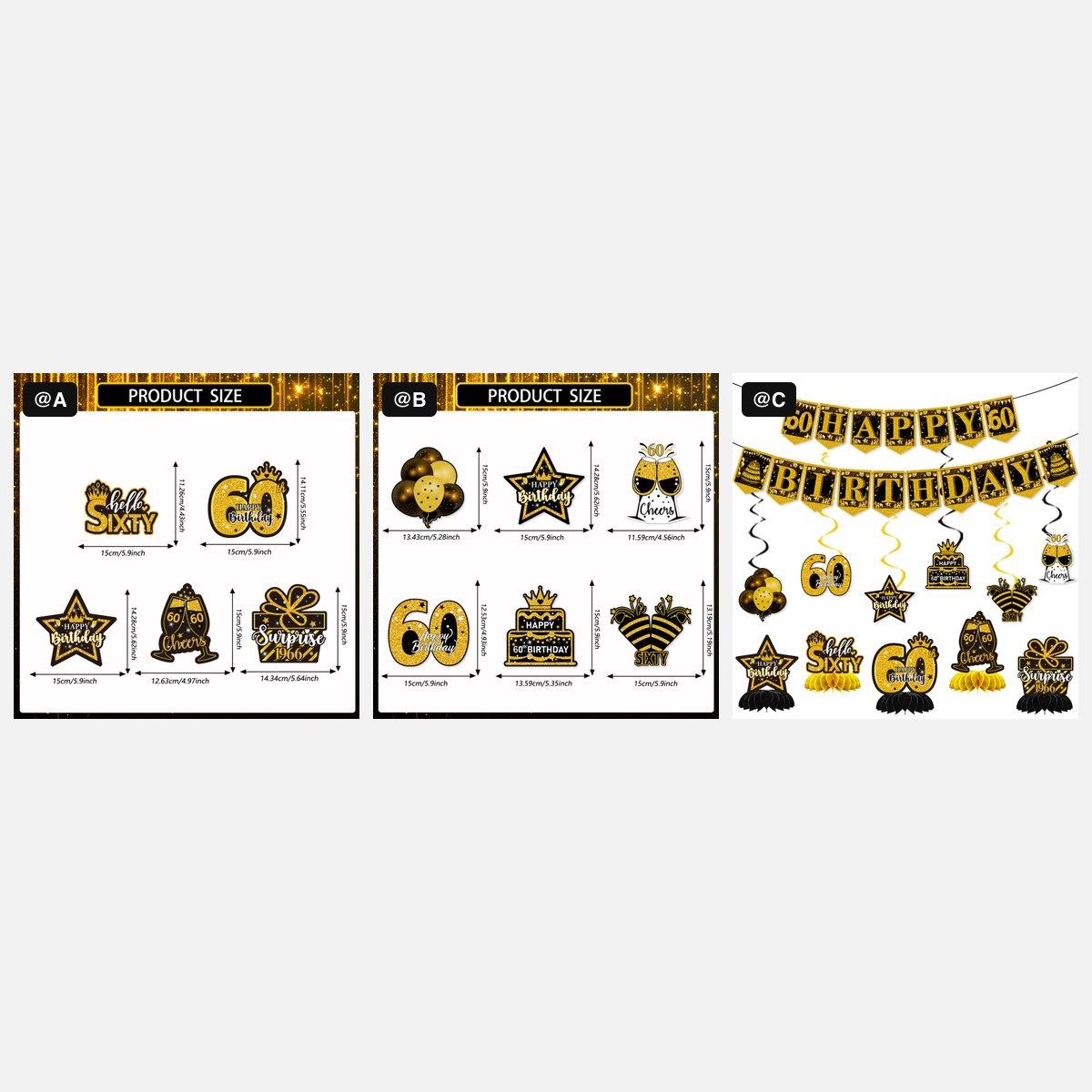
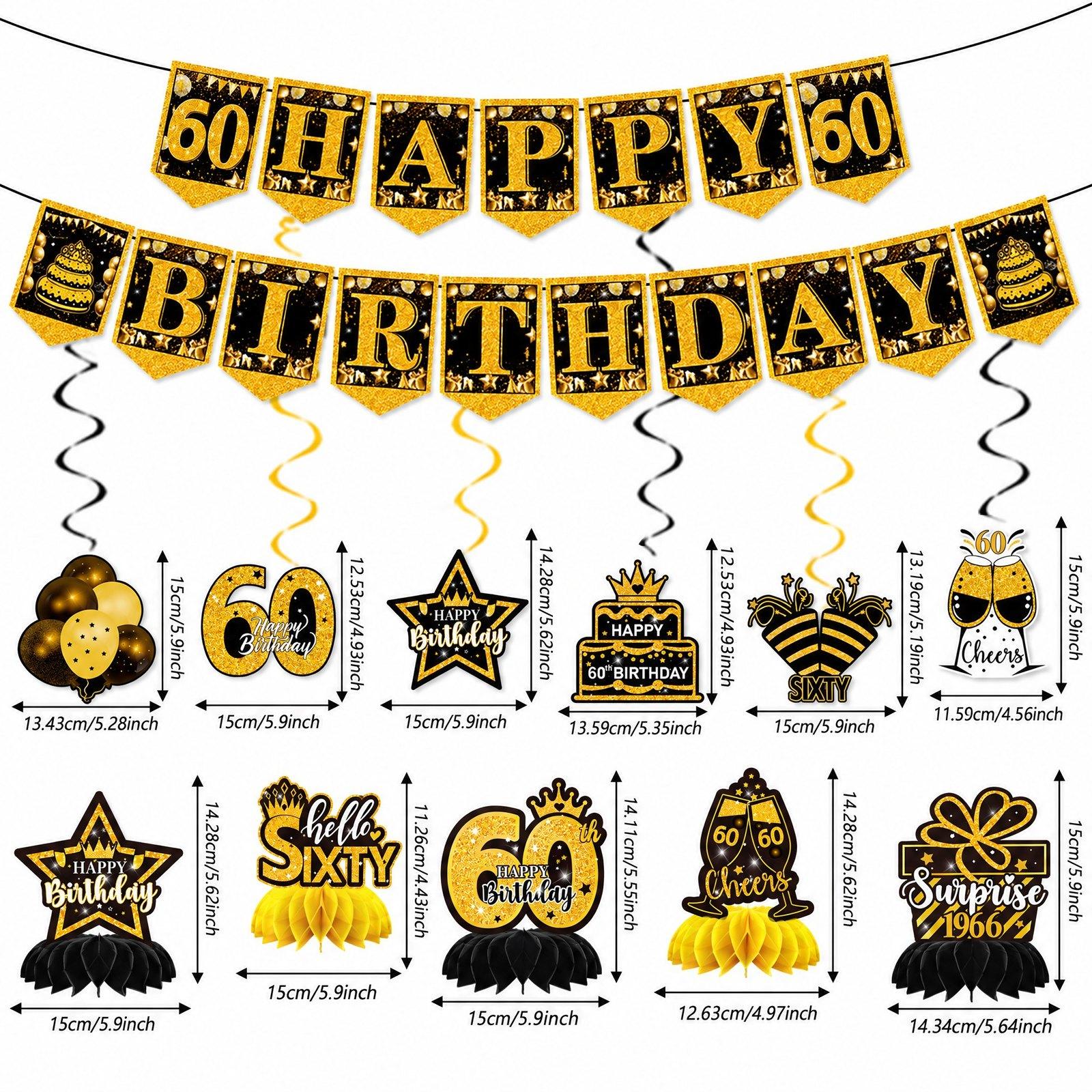
AI Image Combiner
Merge 2–6 images into one — tag them @A, @B and say what to take from each.
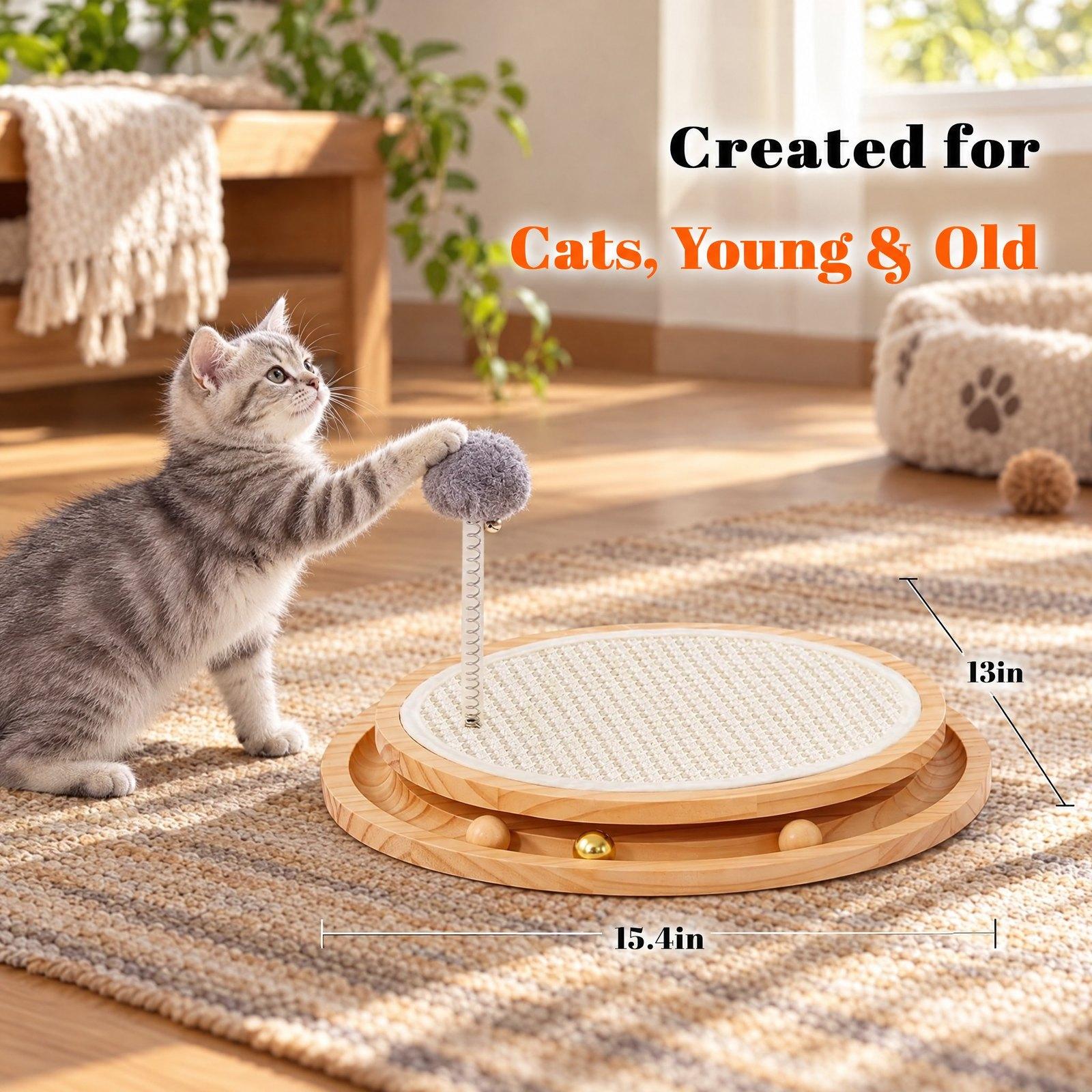
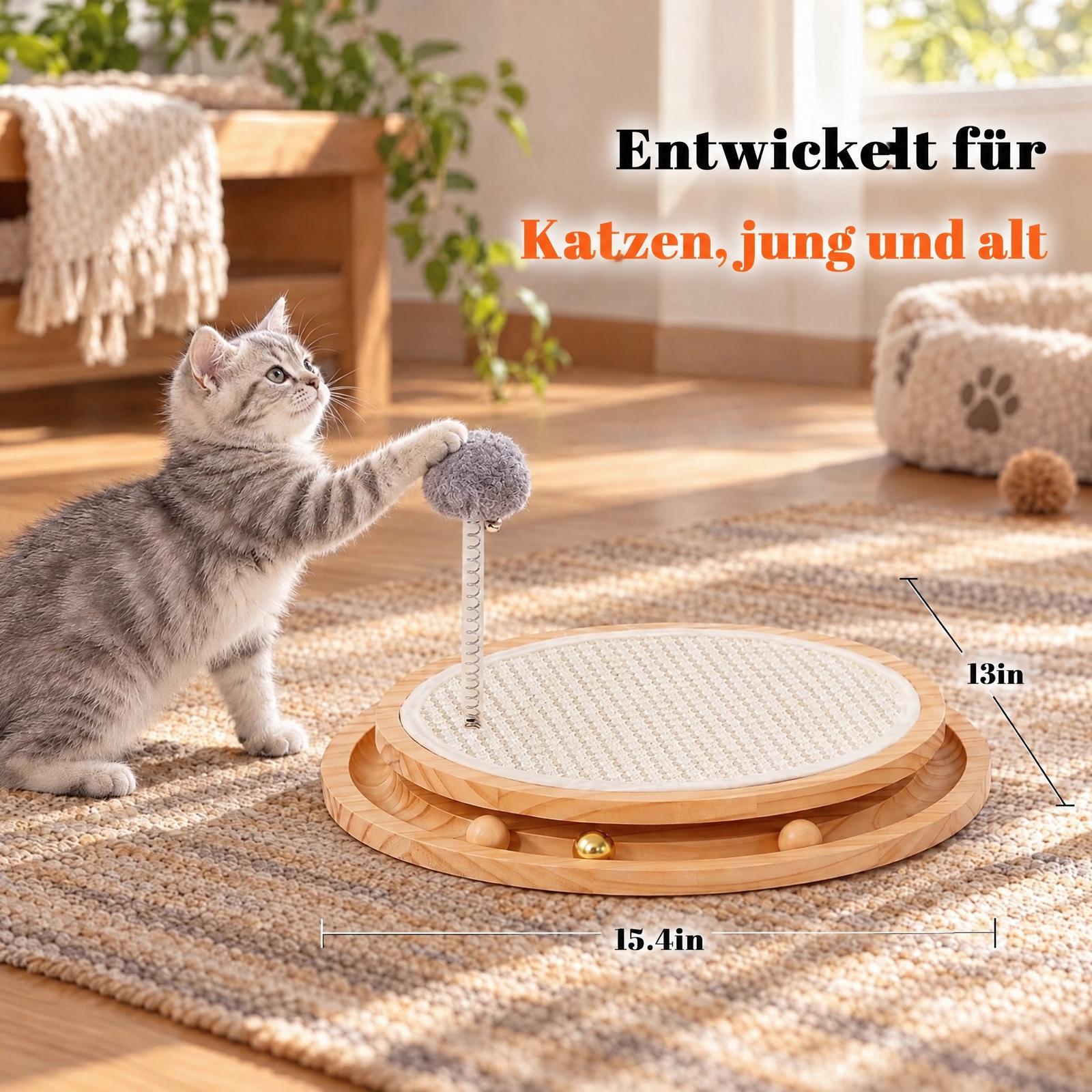
Image Translate
Translate the text in an image into another language and keep its layout.
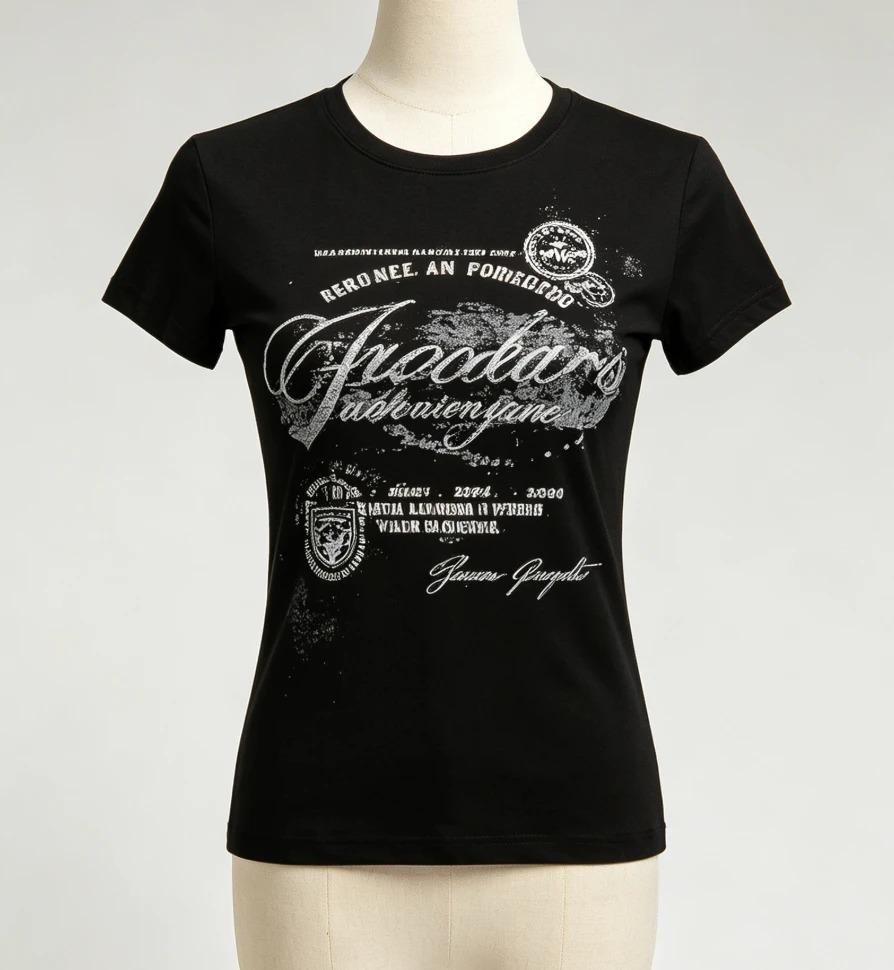
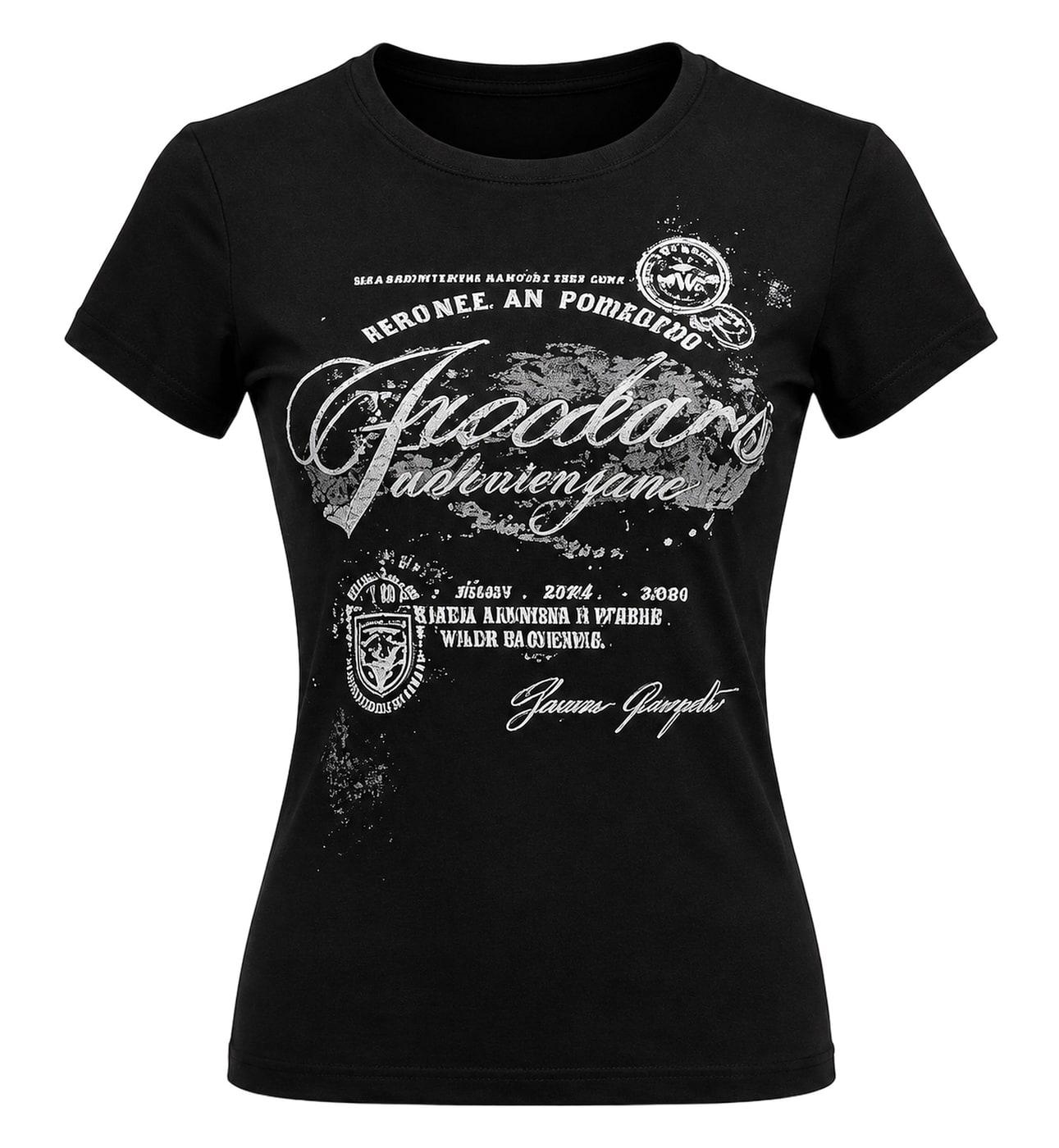
Ghost Mannequin
Remove the mannequin from a clothing photo for the hollow ghost mannequin look on pure white.
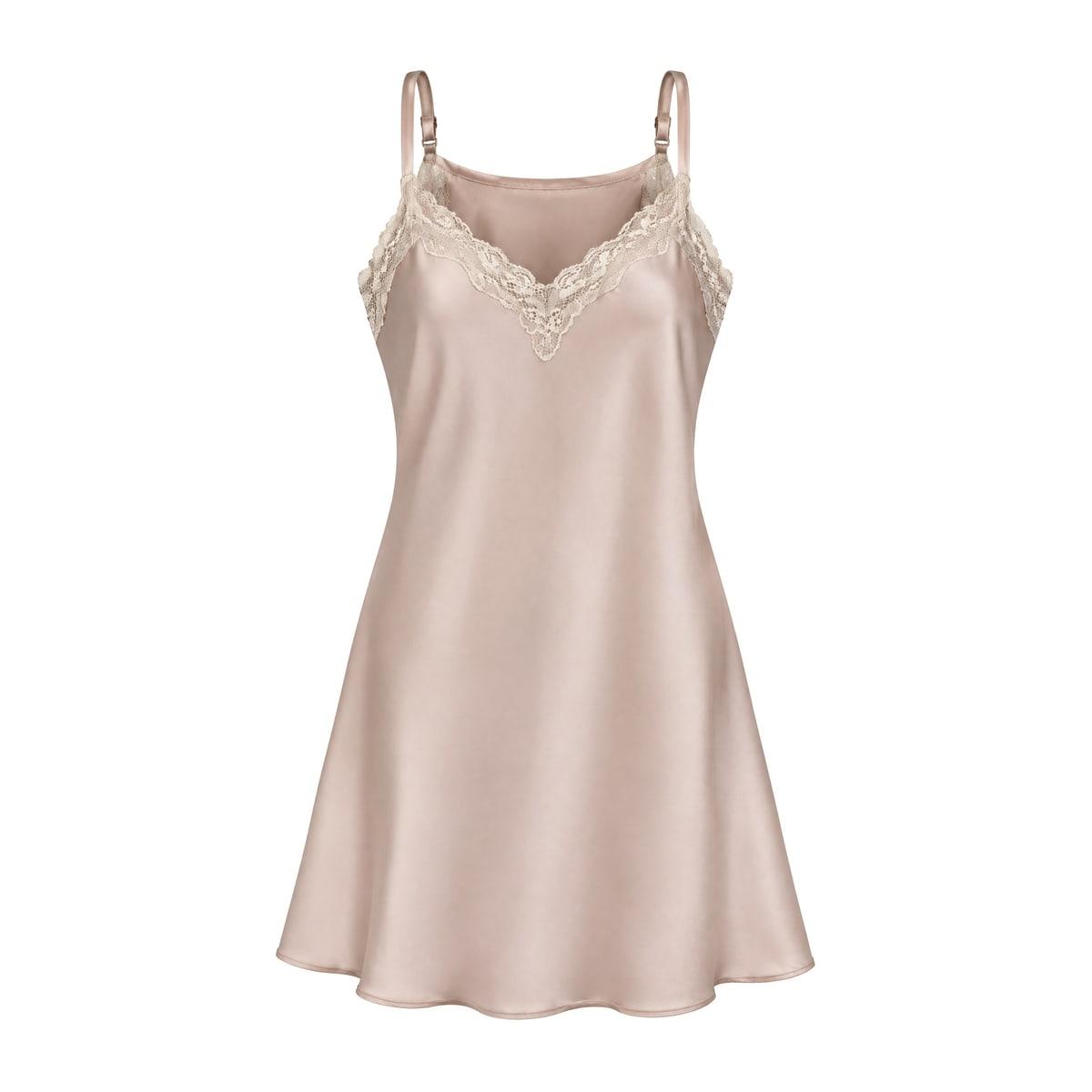
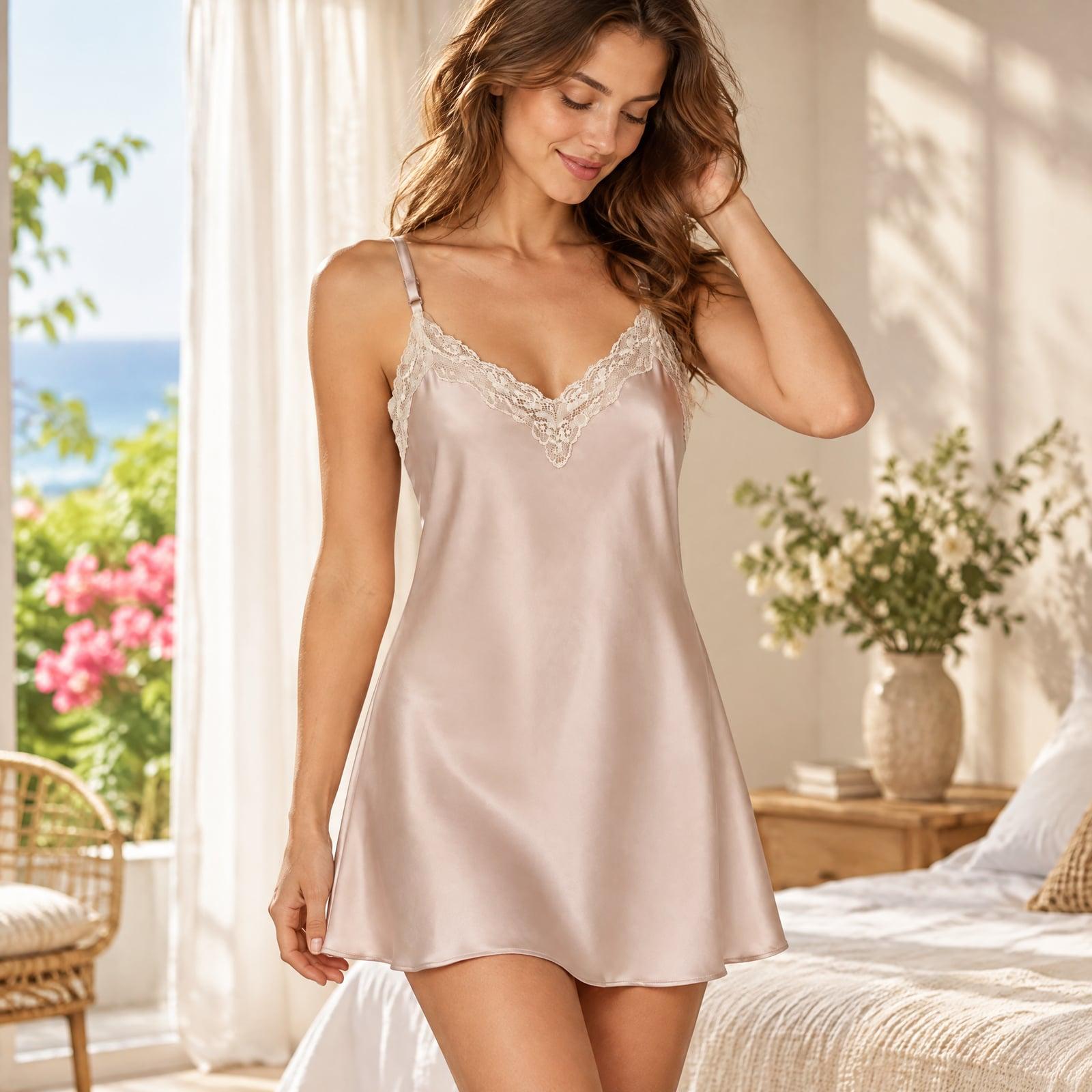
AI Photoshoot
Turn one product photo into studio, lifestyle, in-hand and on-model shots.
Stay close to a listing you like, or start fresh
Same product, same photos, two routes. Pick the one that suits the listing.
Each image is remade from one of the listing’s images — the same layout and colours, with your product.
All it needs
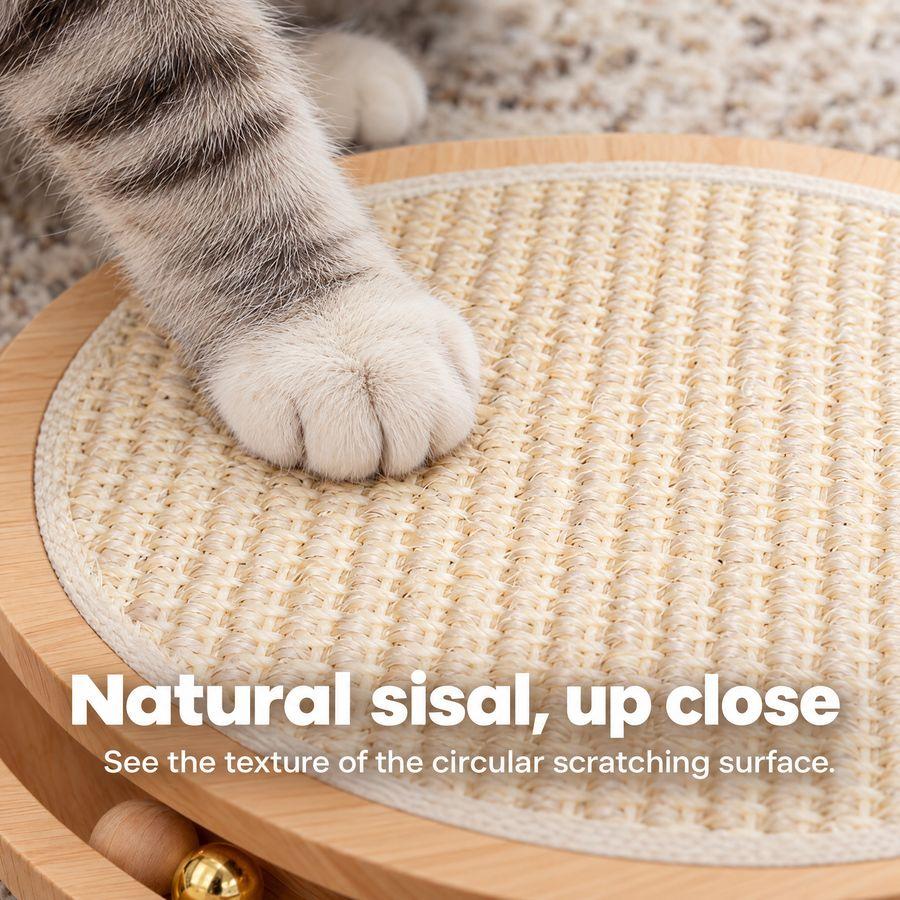
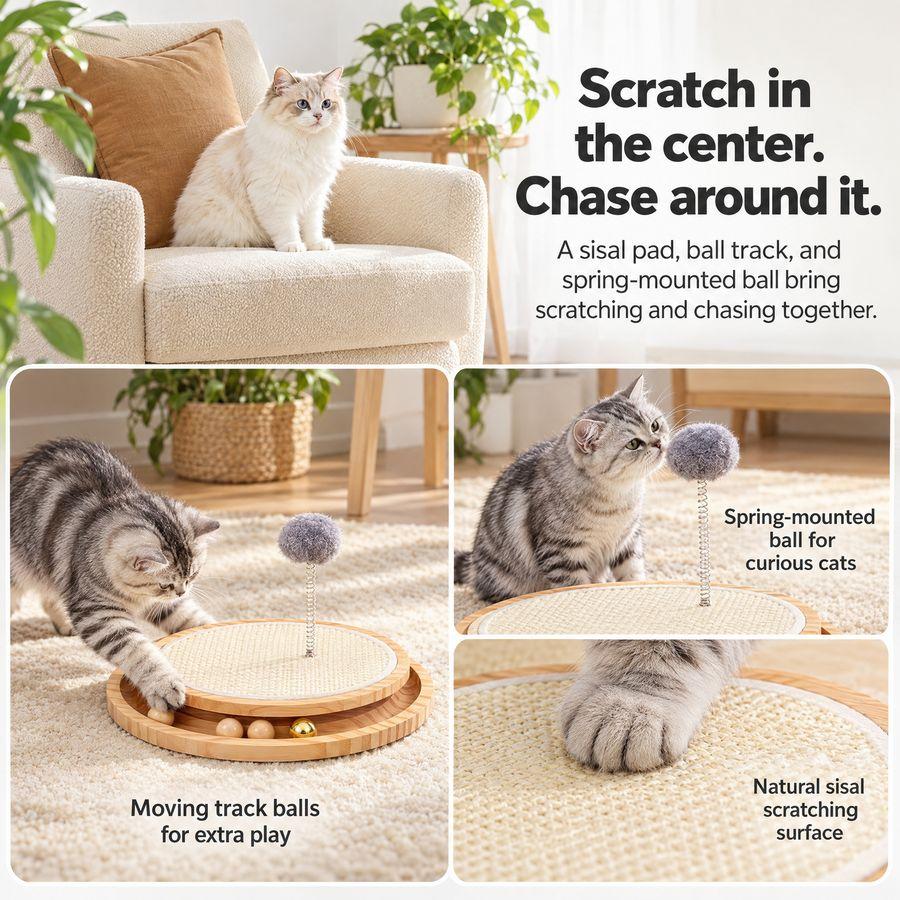
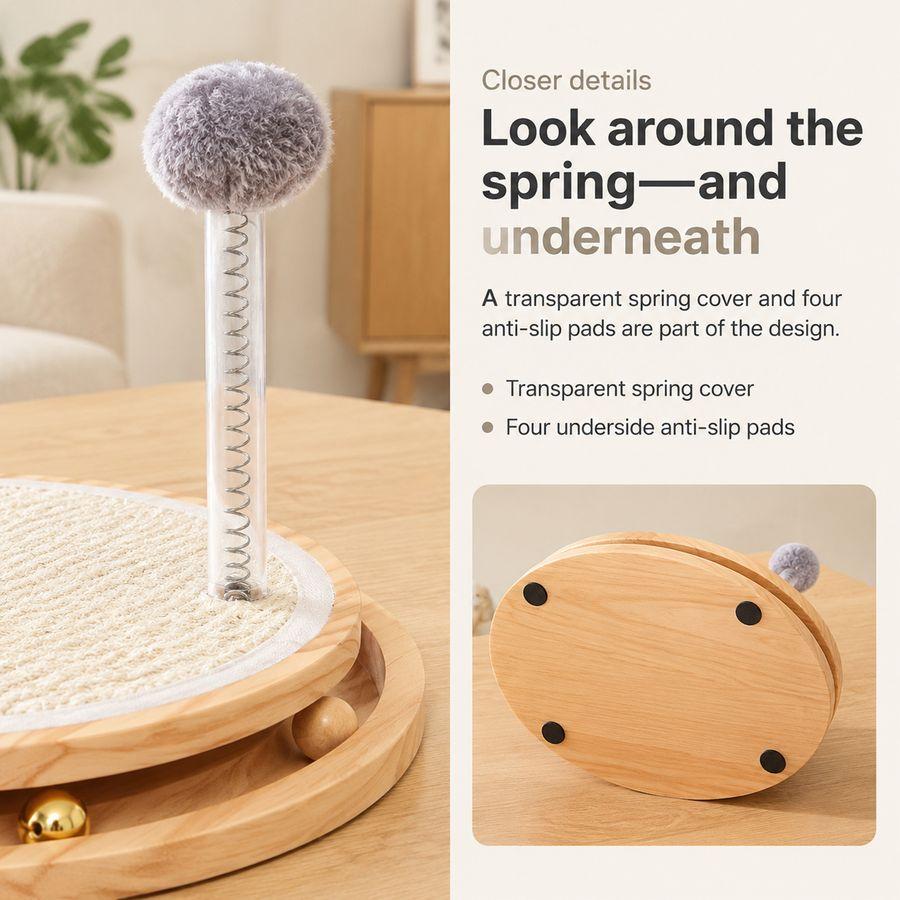
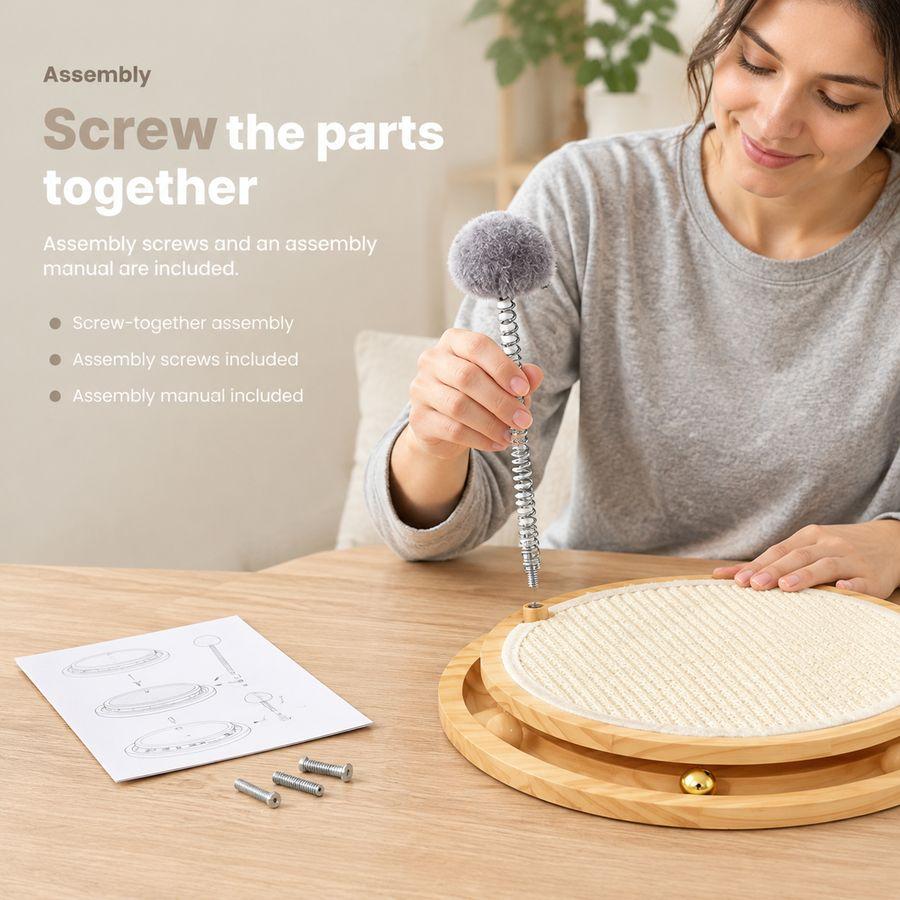
Both sets are real outputs from the same product, one per route.
One photo or one link is enough
Create your next set of listing images
Bring a product photo or a listing link. AI plans the selling points, the copy and every image; you review and approve, then fine-tune anything.
Pricing
Choose the plan that works best for you
FAQ